
Text
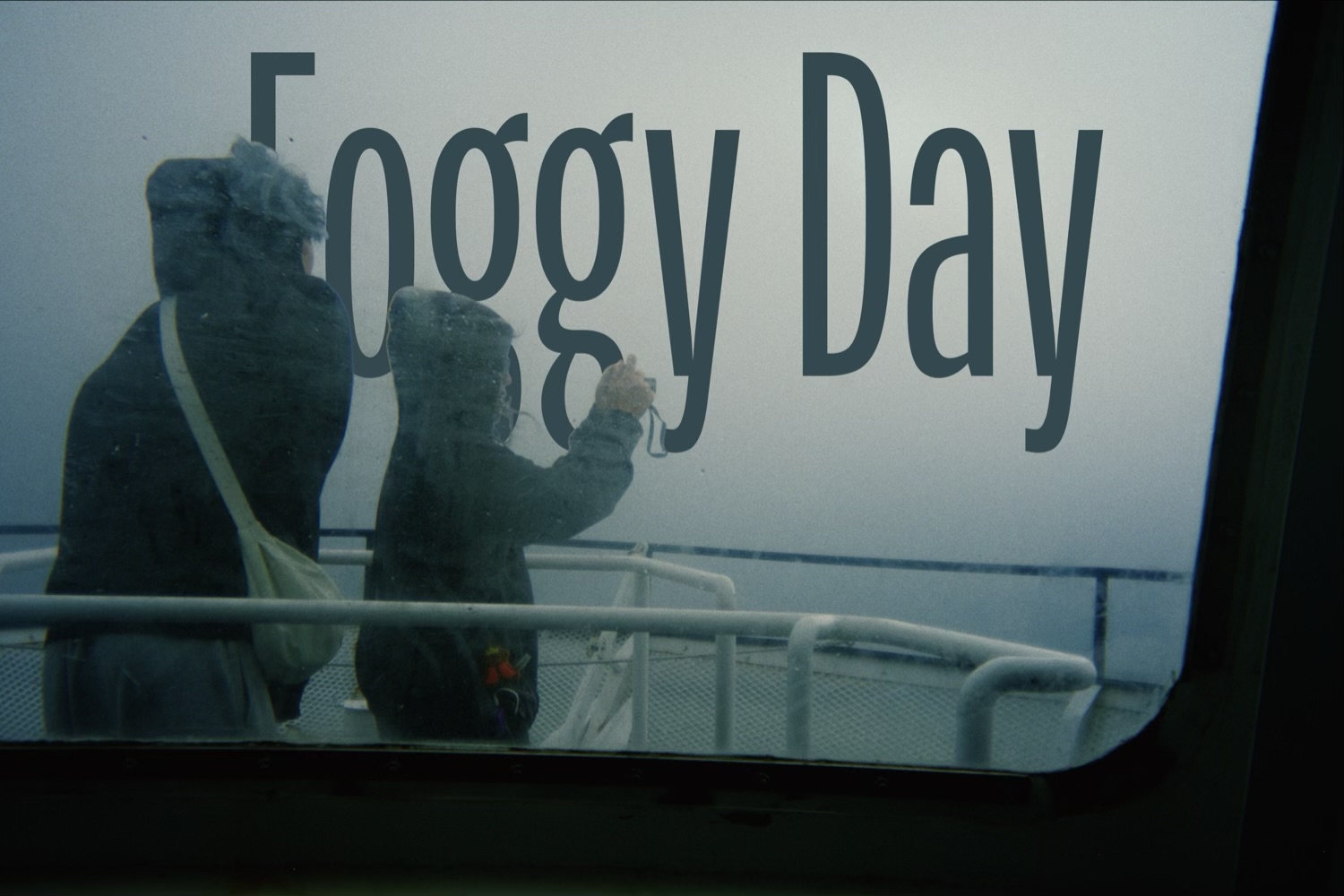
Put type on the photo. Each layer has its own face, size, color and position; add as many as you need and drag them into place – they snap to the edges and to each other.
The toolbar aligns the text, puts a box behind it and turns it a quarter turn at a time. The subject button tucks the text behind whatever the photo is of, so a word sits behind a person rather than across them.
Variables fill in details from the photo itself – camera, date, time, location, lens, exposure settings, and the film and print you used – and update when the same preset lands on another photo. Date stamp is the disposable-camera timestamp in the corner, from the photo’s own date.
The film look doesn’t grade text, so it keeps its true colors. Only grain, halation and diffusion touch it, which is what makes it sit in the photo rather than on it.