
Lens Blur
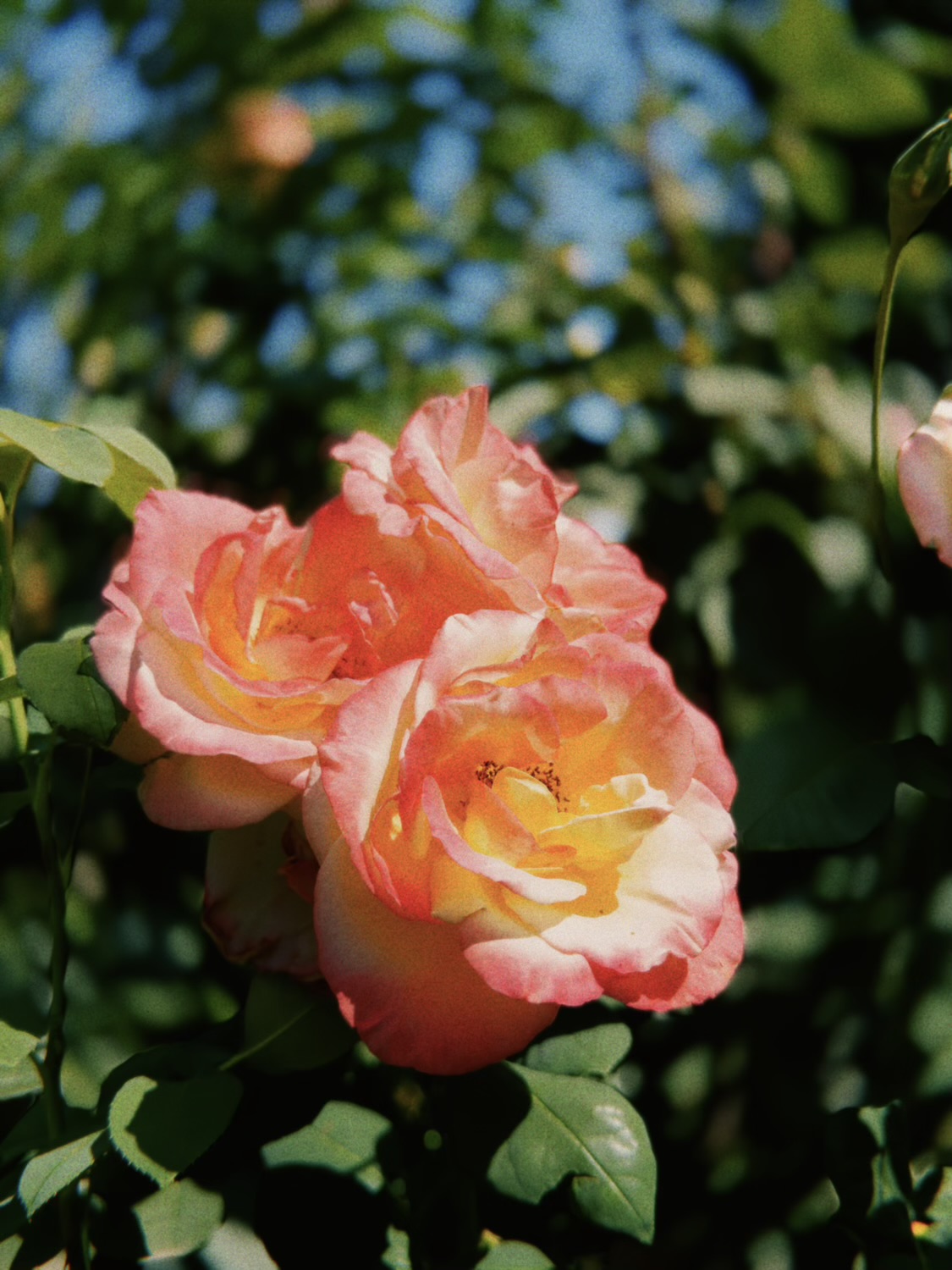
Shallow depth of field, after the fact. The photo is cut into layers by distance, each is blurred the way a lens would blur it, and they’re stacked nearest over farthest – so a blurred foreground spills over what’s behind it, as it does through real glass.
It needs a depth map. Portrait-mode photos carry one; Generate depth mask builds one on the device with a small model that downloads the first time. The eye shows the mask in red over the photo, the cube shows the depth map itself.
Drag Focus’s near and far ends onto your subject – that band stays sharp – and Lens Blur sets how far out of focus everything else goes. Front sets how hard the foreground blurs compared with the background. At full it matches a real lens, which blurs what’s in front of the focus faster; lower keeps the foreground readable. Distance Blend is how gradually the blur builds outside the focus band.
Feather Mask softens the depth map’s edges. Edge Expand grows or shrinks the subject’s outline before it’s cut, for when a halo of background clings to it or its edge gets eaten.
Lens Blur is the most demanding effect in the app, so add it last, once the rest of the edit is settled. Edits made before this version keep their original blur and controls.
Bokeh
How the out-of-focus areas look.
Shape squeezes the out-of-focus points into ovals, the anamorphic look – round at zero, a full two-to-one oval at the top.
Swirl is the signature flaw of old portrait lenses. Positive stretches out-of-focus shapes around the center of the frame, the swirly bokeh; negative pulls them toward it.