
Shoot digital – edit analog.
True-to-film photo and video editing
Accurate film simulation, full color grading toolset, photo and video effects.
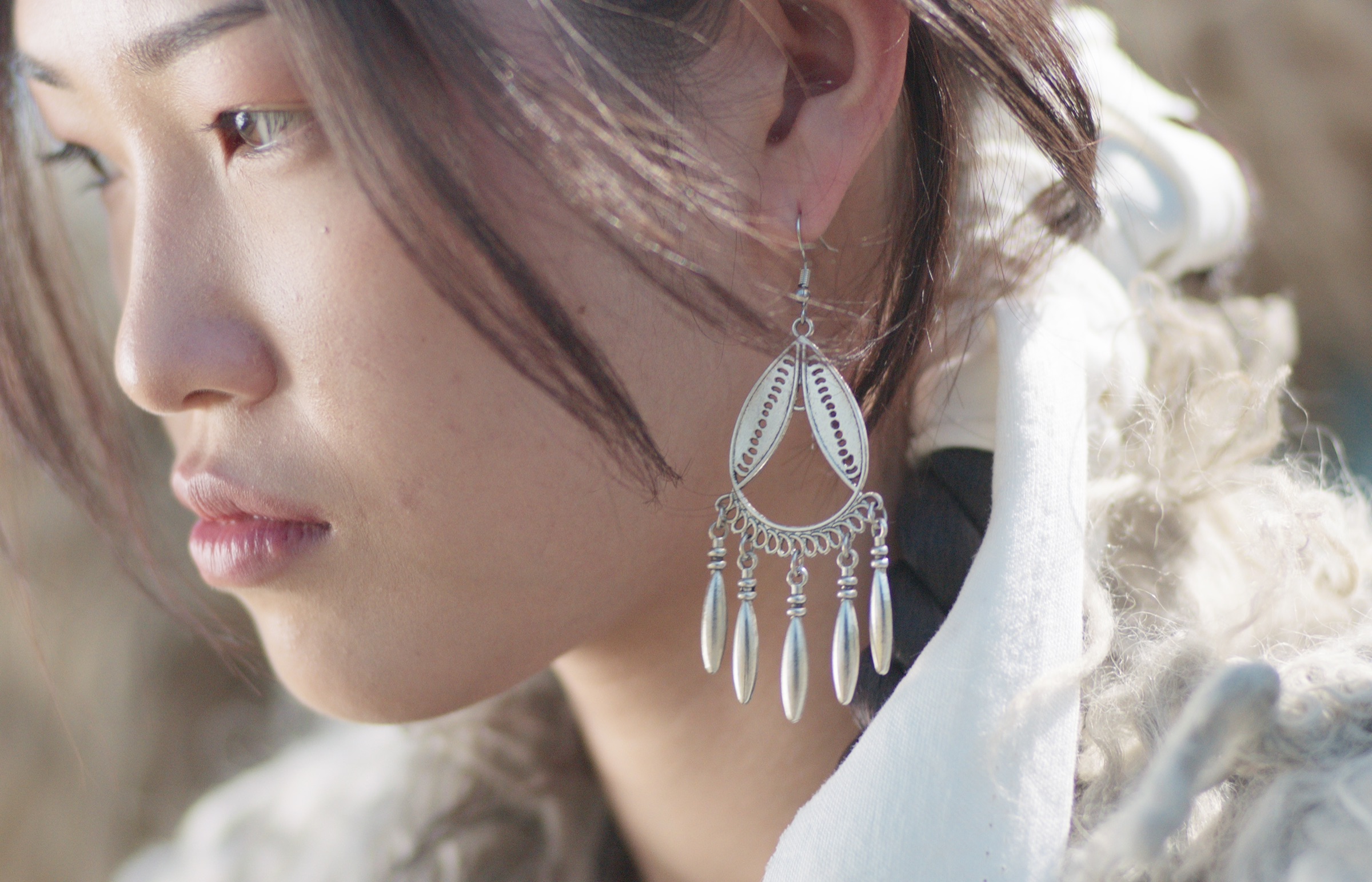
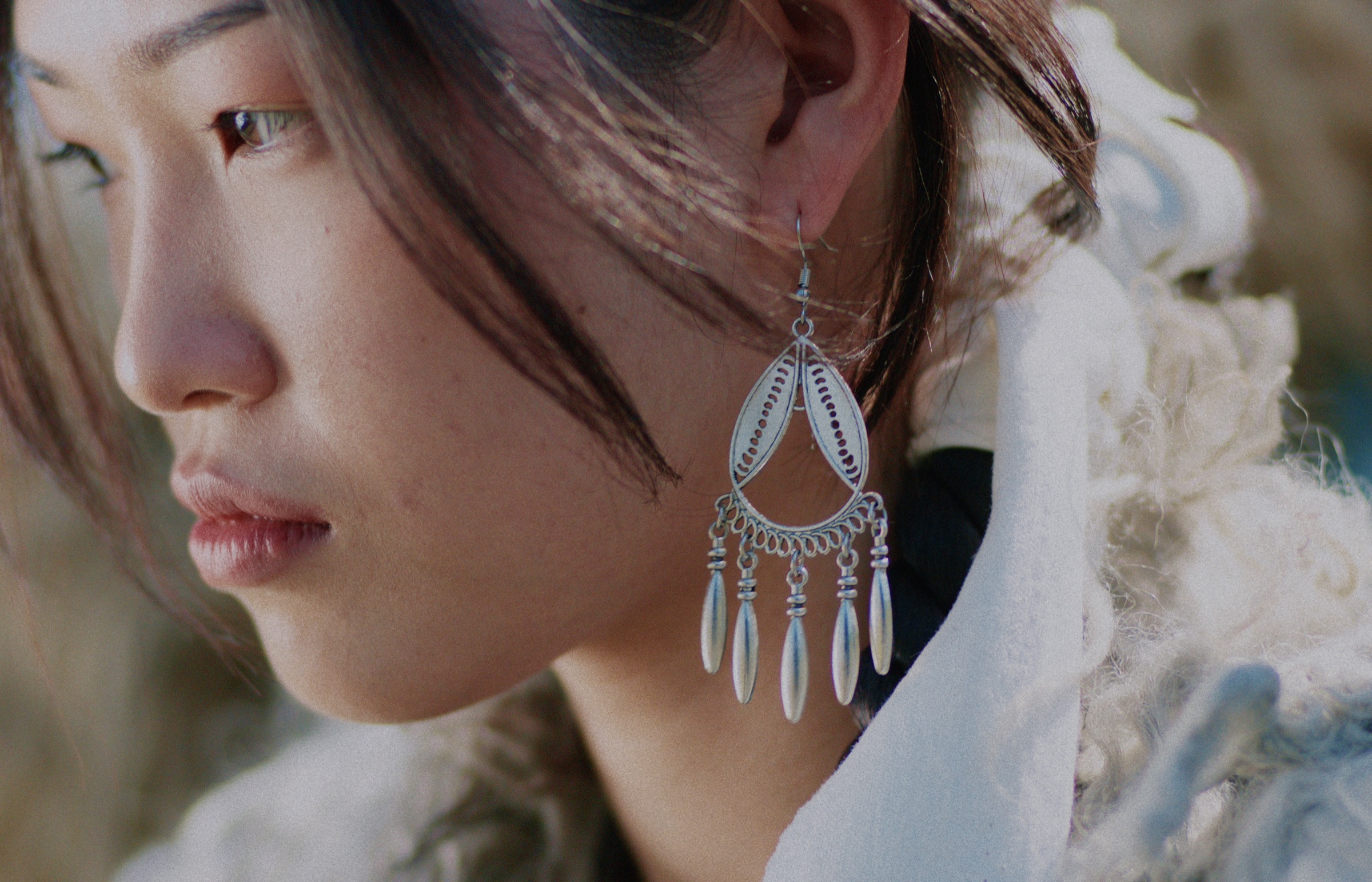
Film measured – not guessed
88 films in 8 families
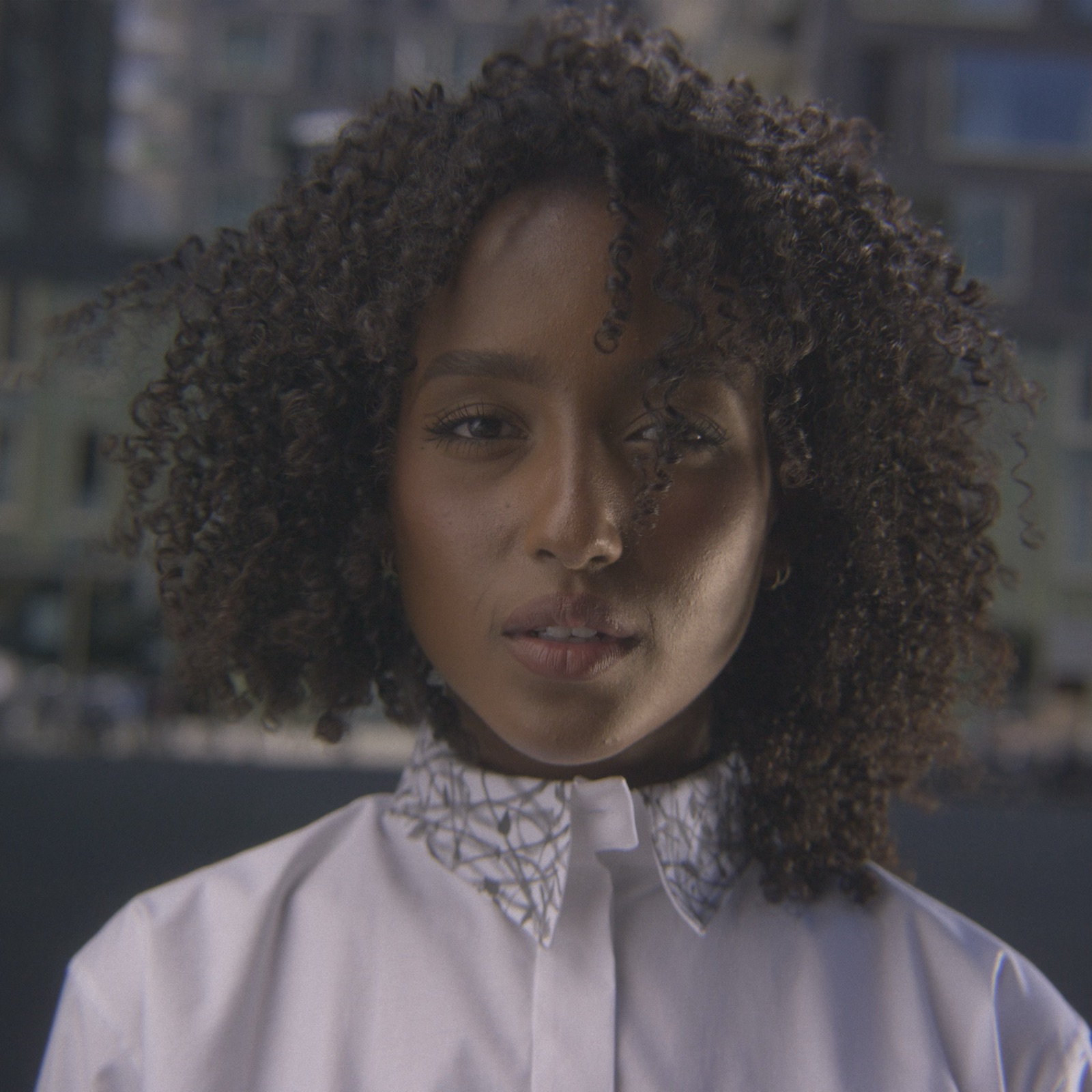
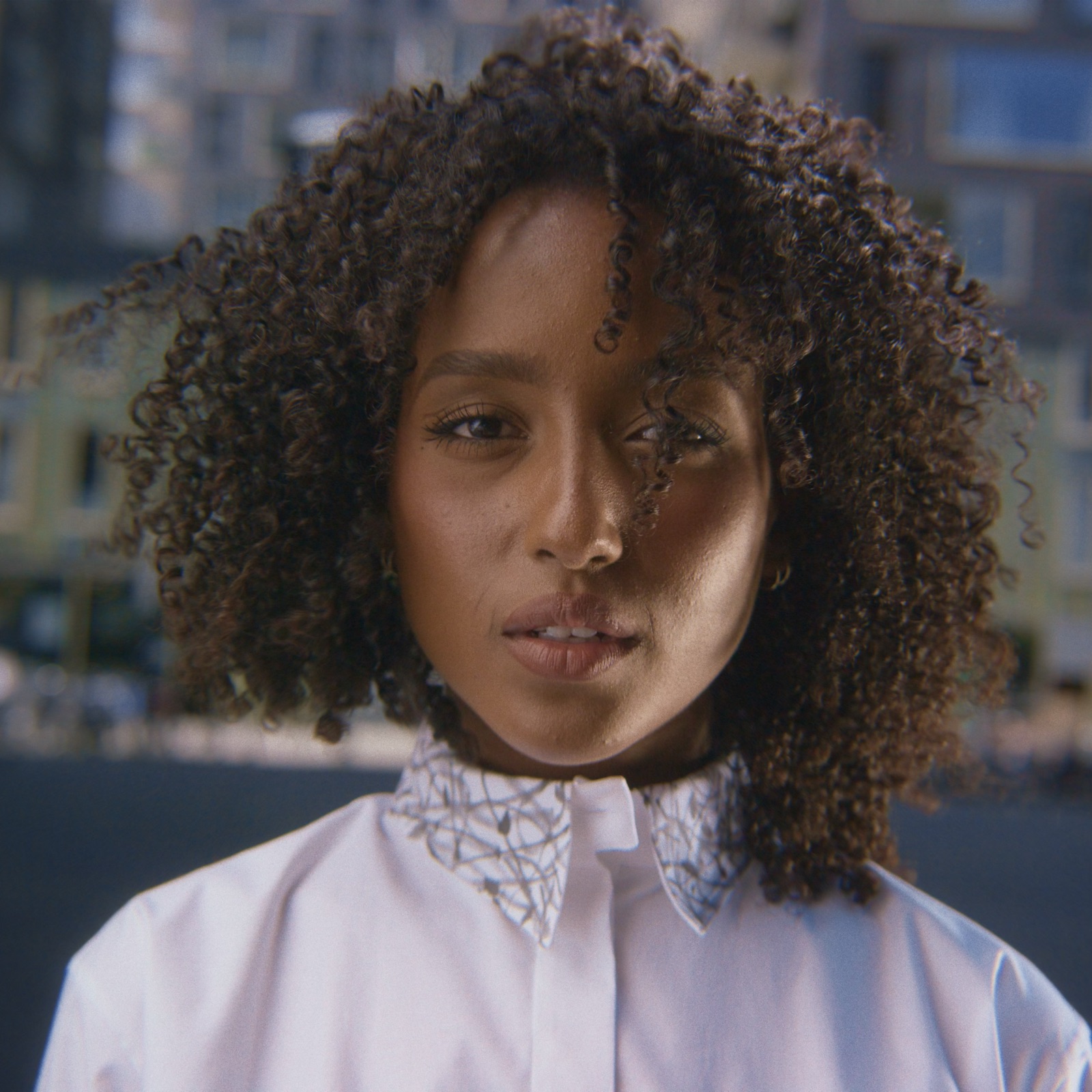
Two-stage film emulation
Film and print stages are separated for better control and better results
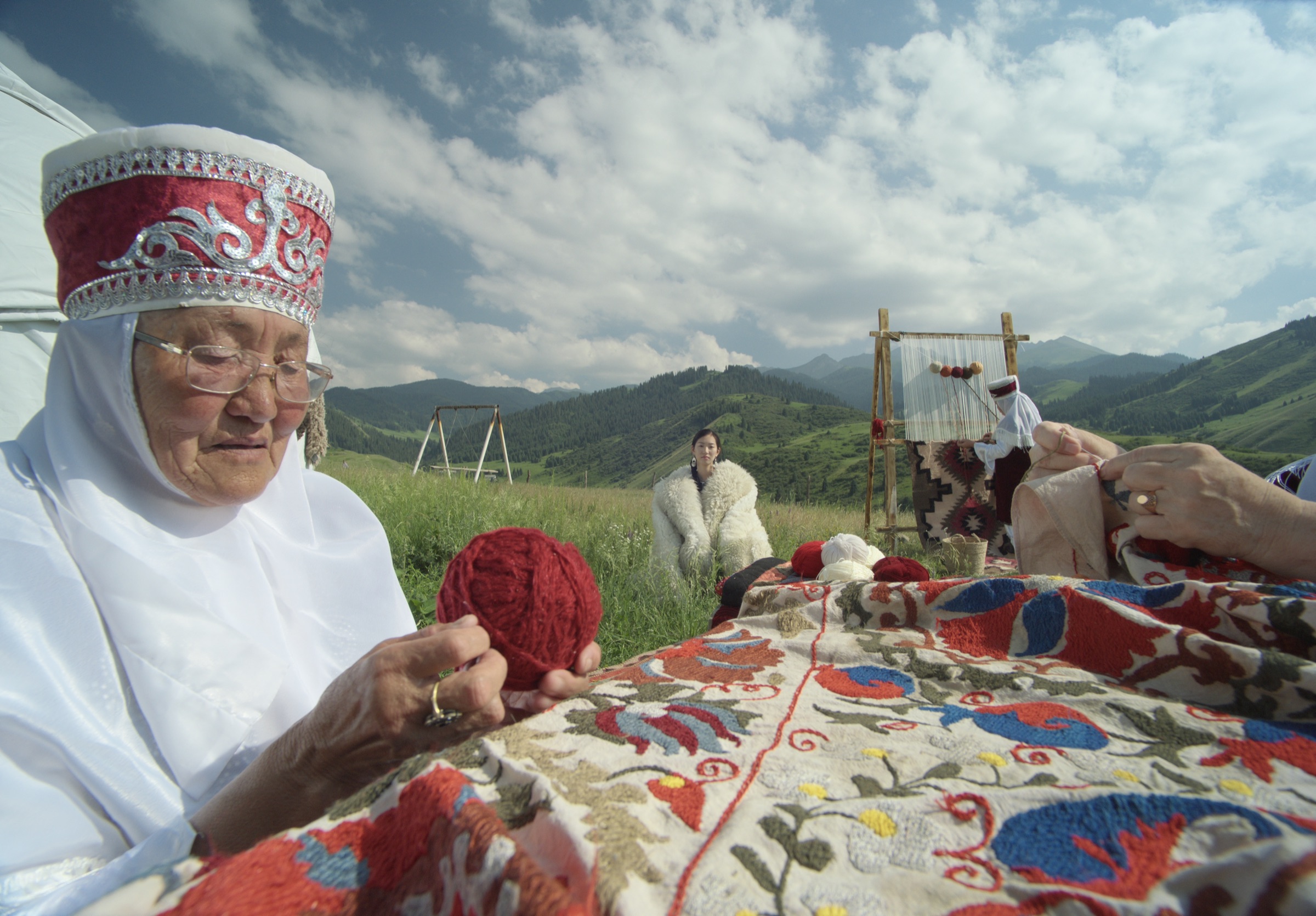
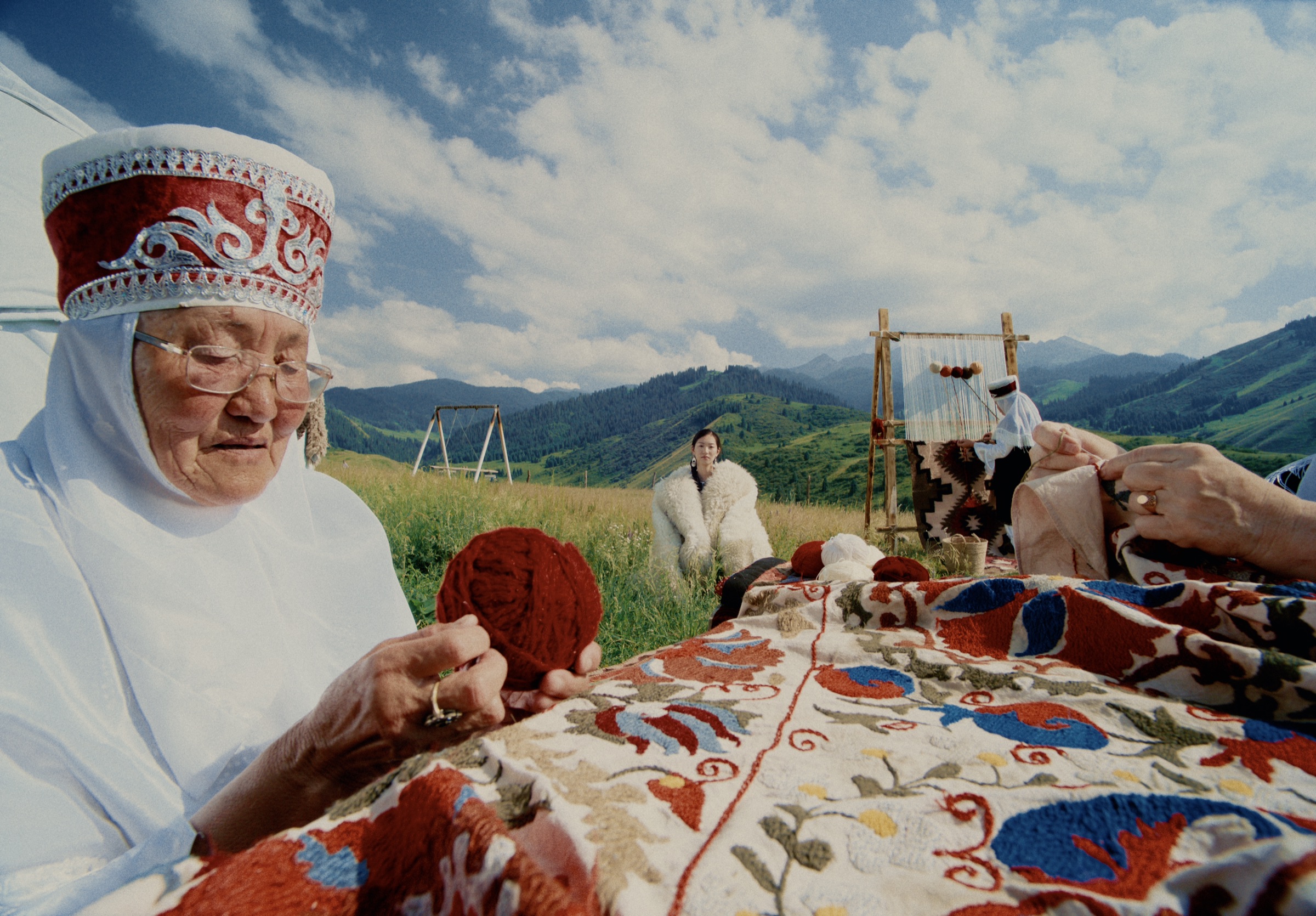
88 film stocks, 20+ prints – thousands of creative possibilities.
Photochemical Adjustments
Accurate darkroom colors calibrated from thousands of scans.
All this data has taken the form of 4 sliders: push, skip bleach, cross-process and color temperature. Each one is simple, accurate and fast. Combining them with full creative control unlocks countless combinations and looks.
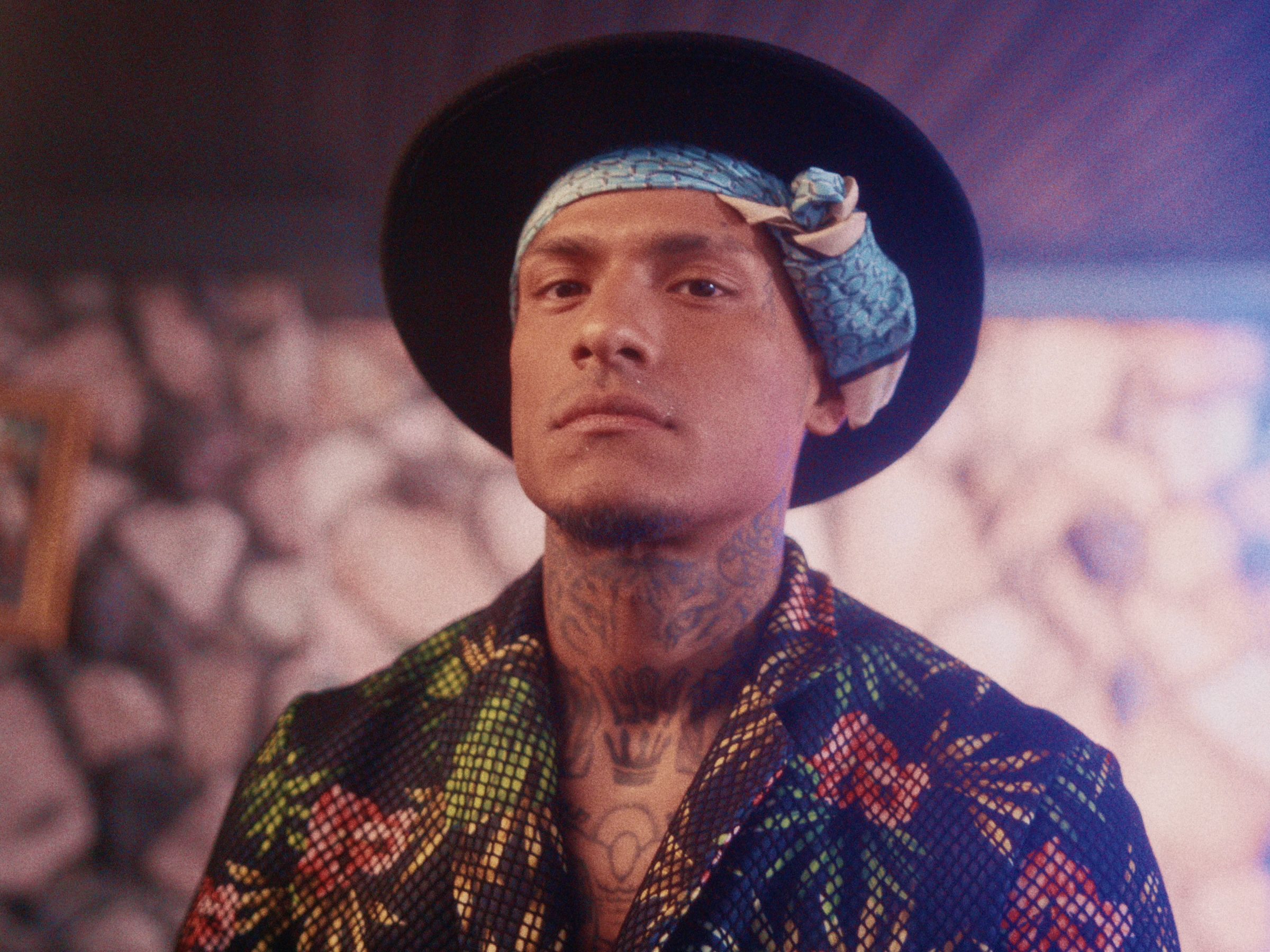
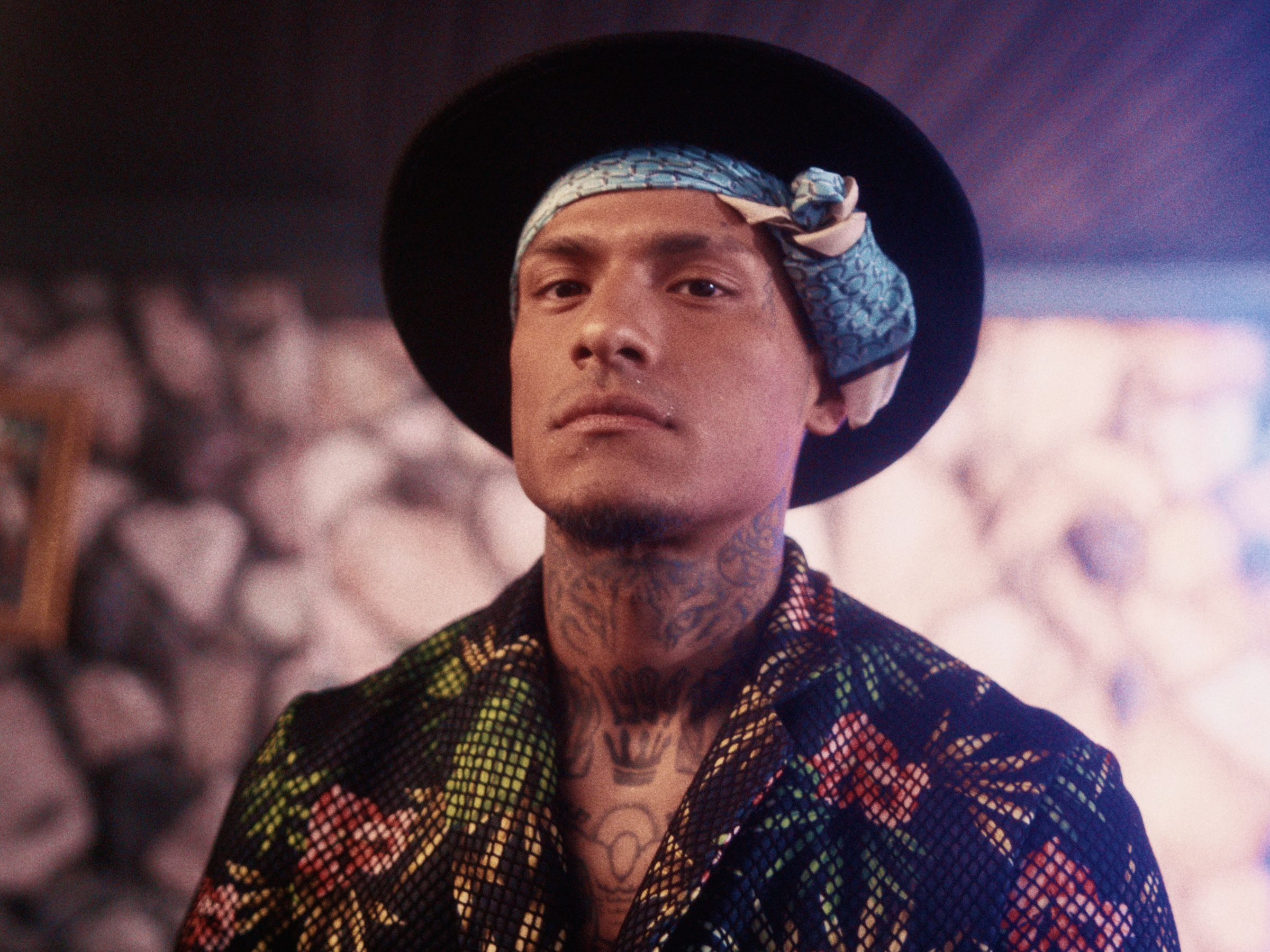
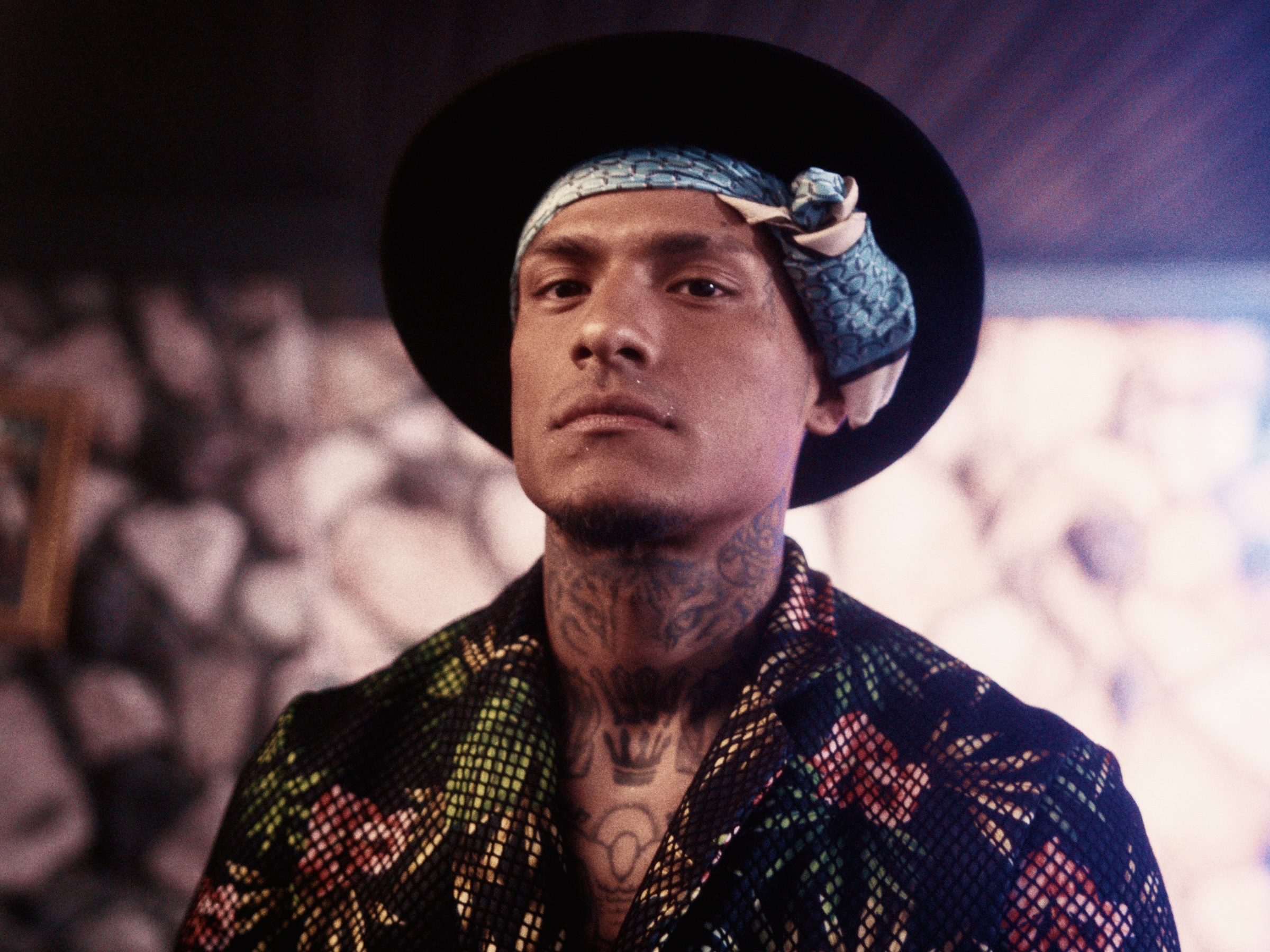
Bleach bypass
Bleach bypass (skip bleach) simulates the effects of silver retention – what happens when you don’t remove the silver crystals from the negative after development.
Because the effect is so strong, almost no movie you’ve seen uses this at 100% and many skip bleach on the intermediate print so the original negative stays clean.
High contrast, deep shadows, bright highlights – the effect makes everything feel real and gritty.
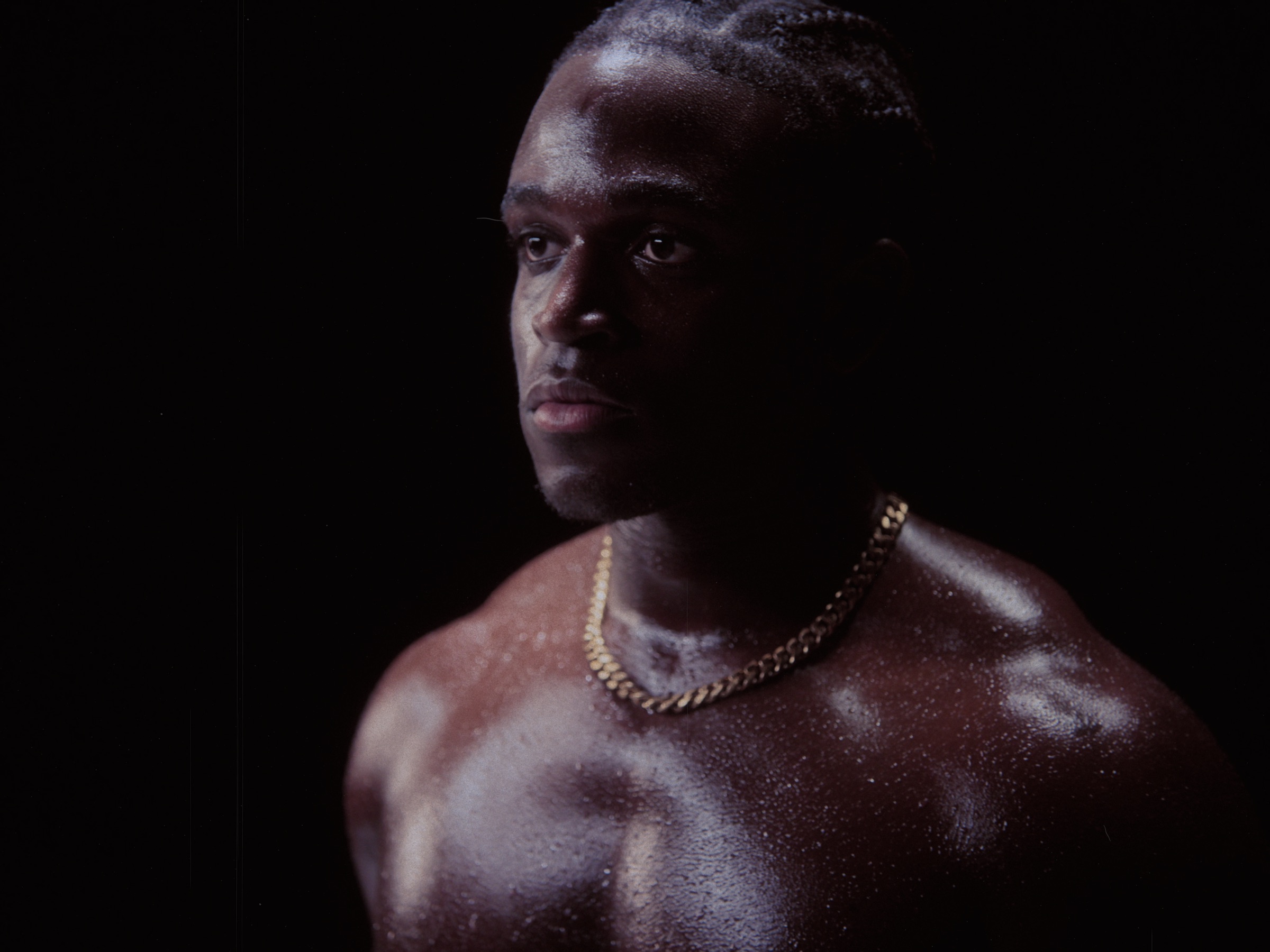
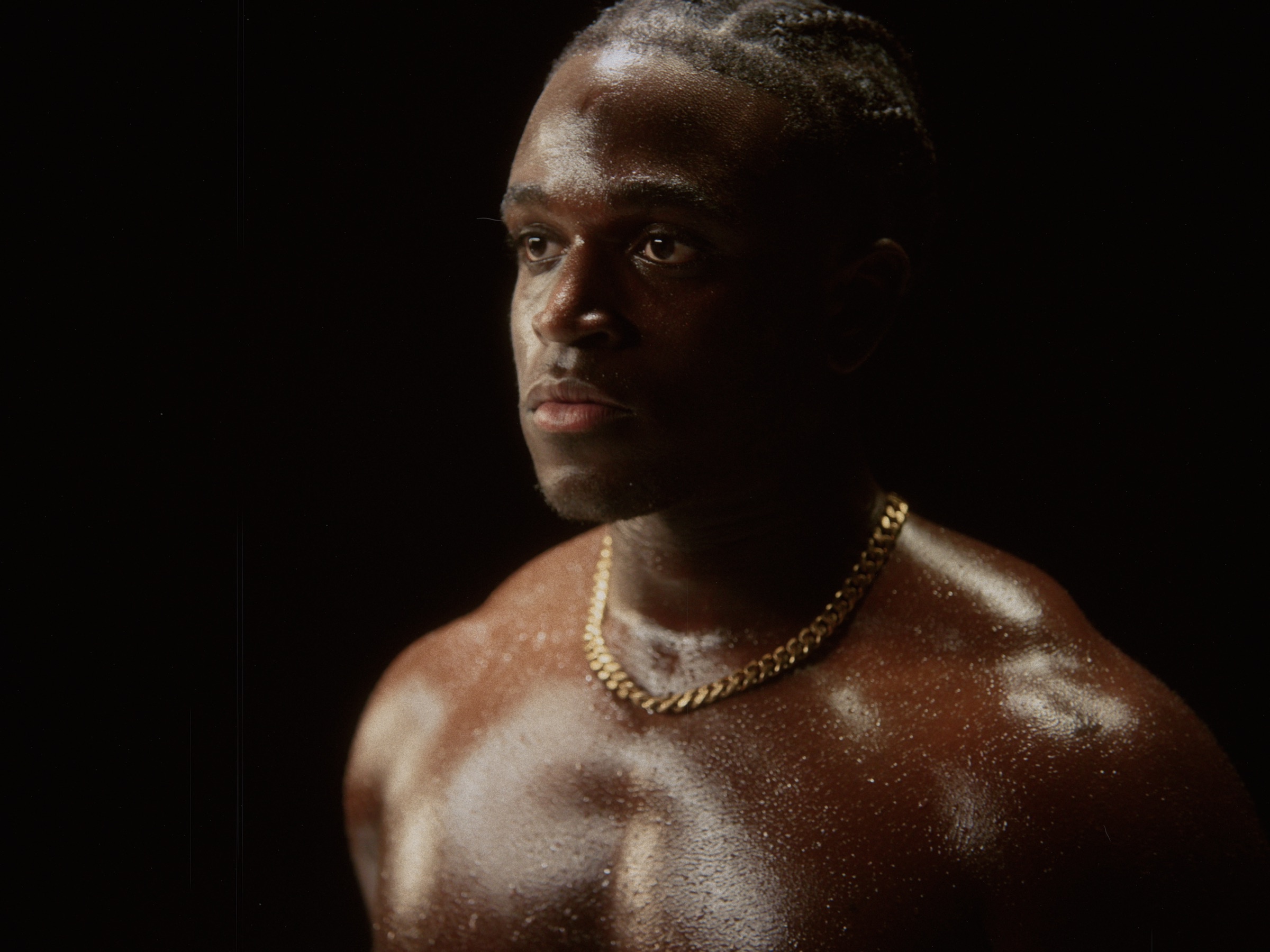
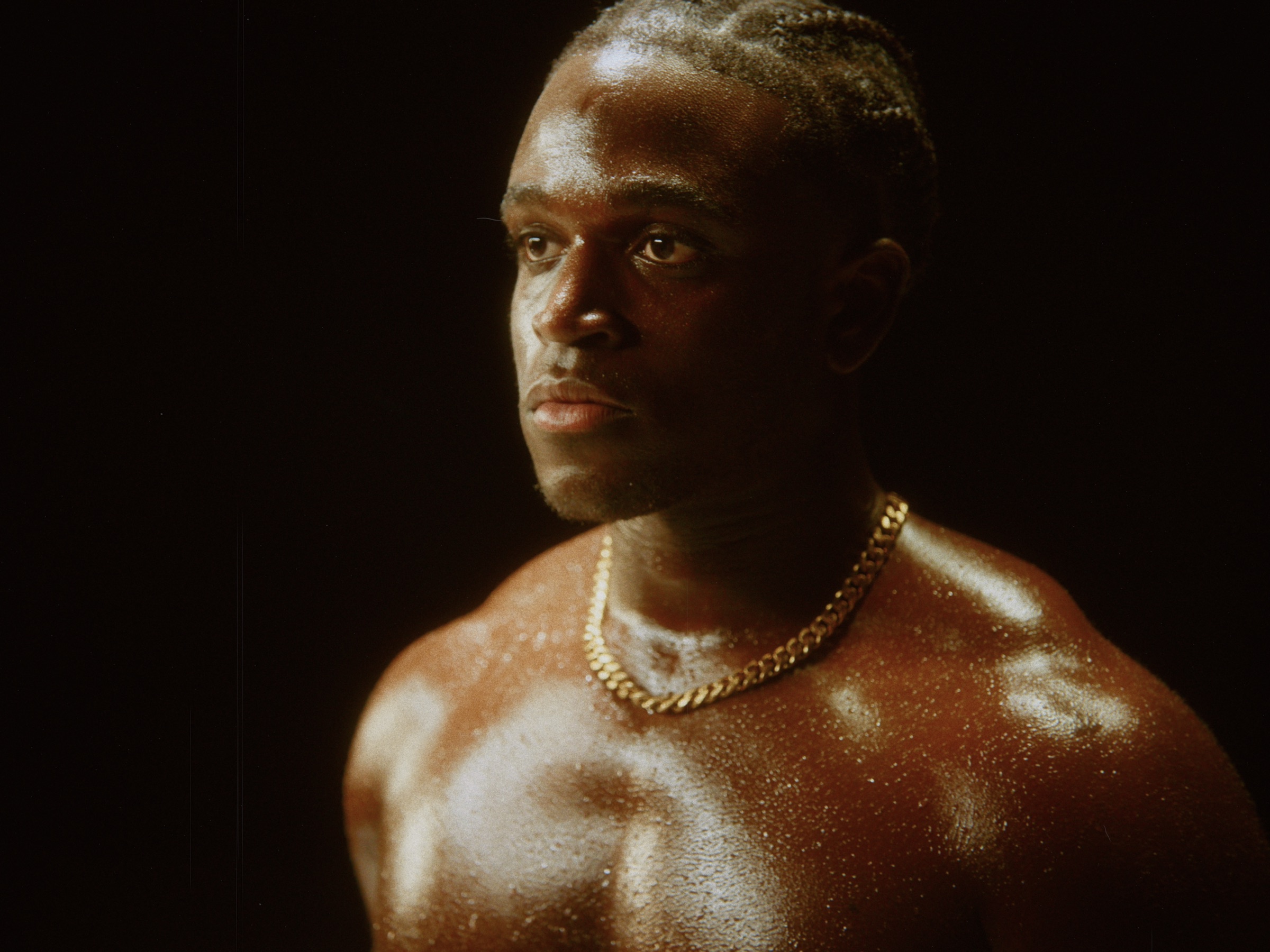
Push
Pushing film means exposing for a different ISO rating than what is on the box and then over- or under-developing in the darkroom.
The emulsion layers react differently, shifting the color balance cool-to-warm but in a much more interesting way than a white balance adjustment.
There’s a subtle exposure shift of ±0.5 EV that you can correct for or amplify to match your vision.
Grain rendered at nanometer scale
Film does not have grain – film is grain. Film(ish) has built a full particle simulation for grain.
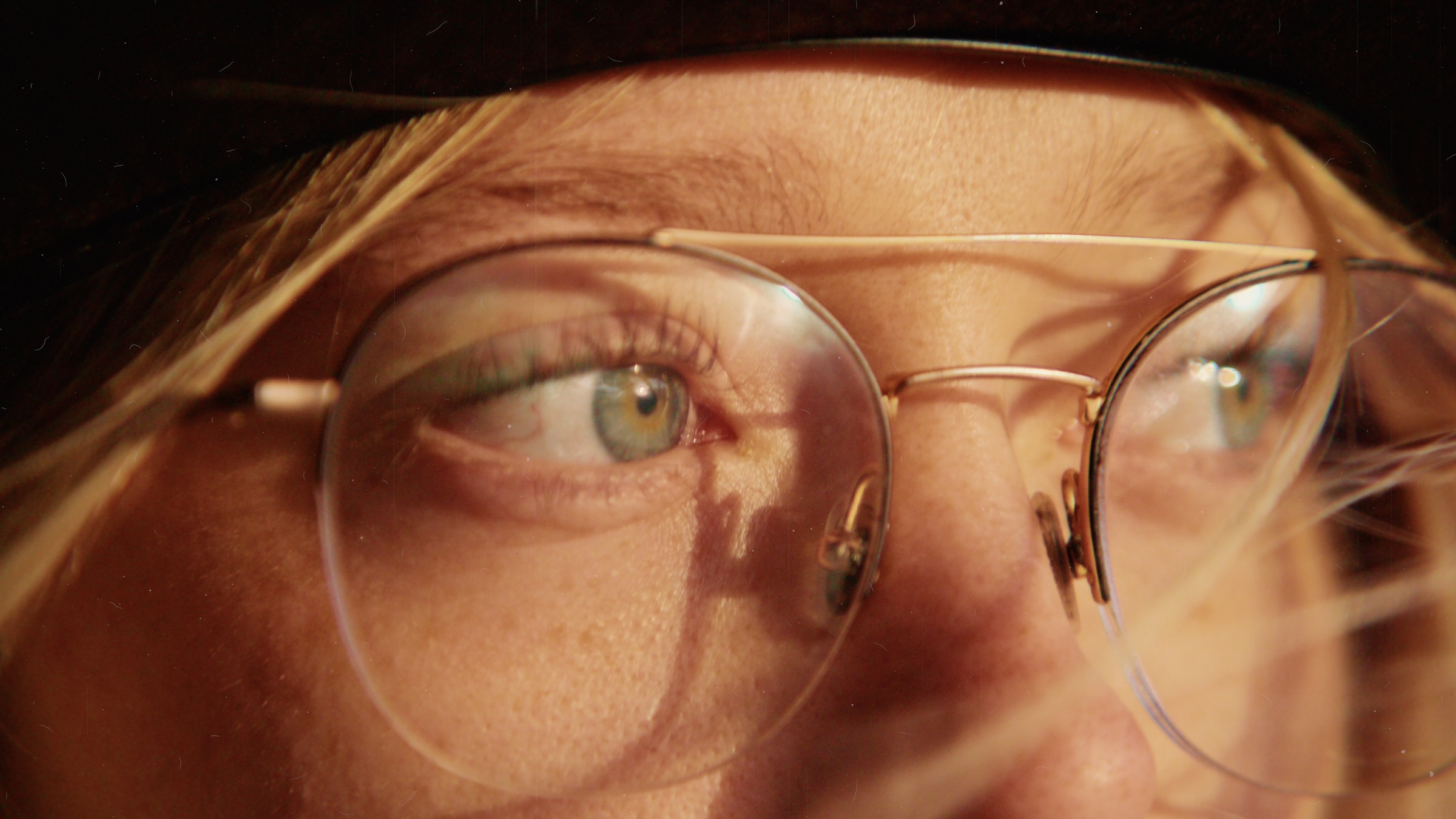
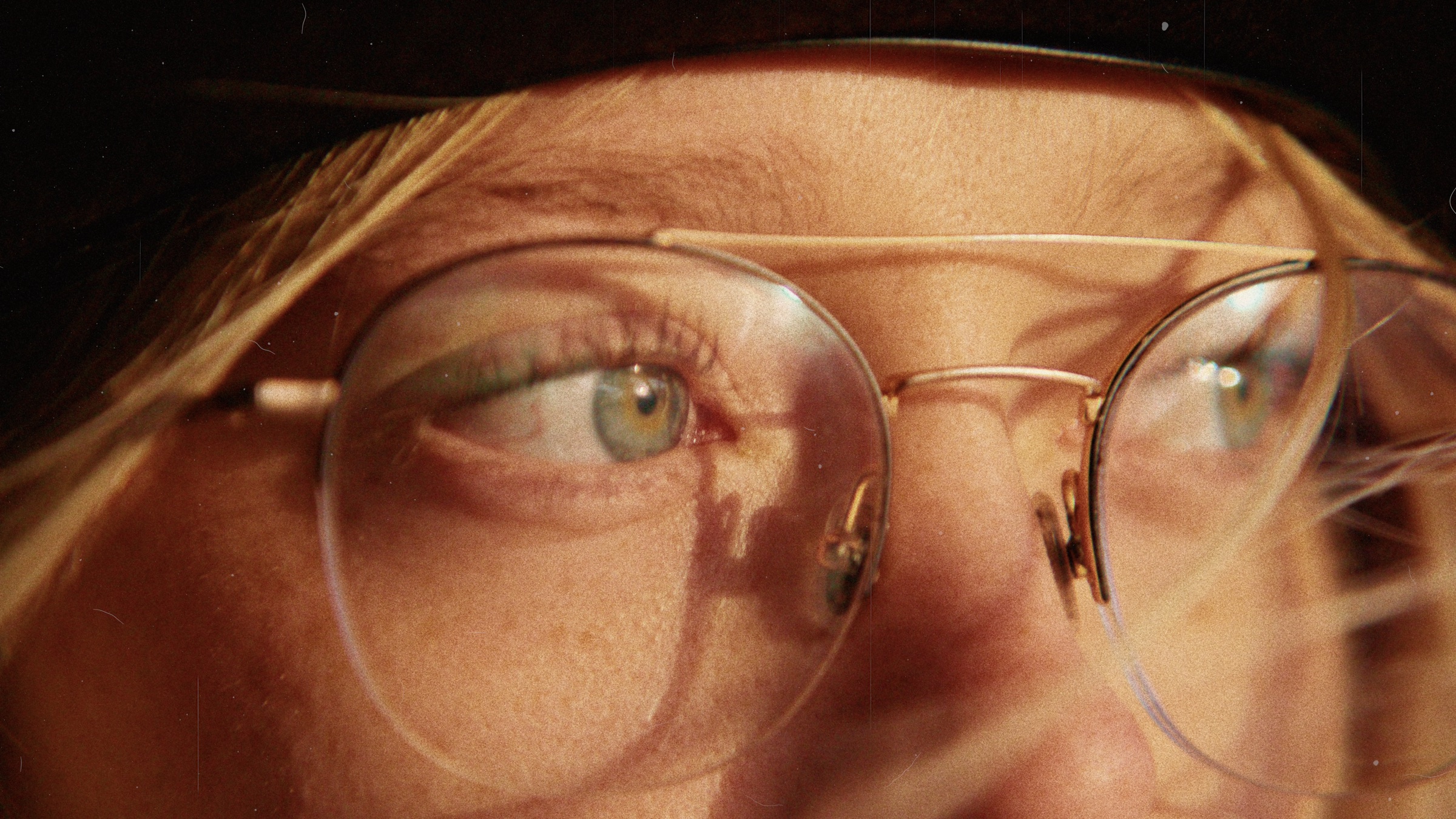
Every photo is rebuilt from 9 layers of particles in different shapes and sizes. Unique structure on every frame – accurate at any scale.
Physical not visual effects
Diffusion, light leaks, halation are simulated based on the behaviour of light and how it interacts with the lens and film.
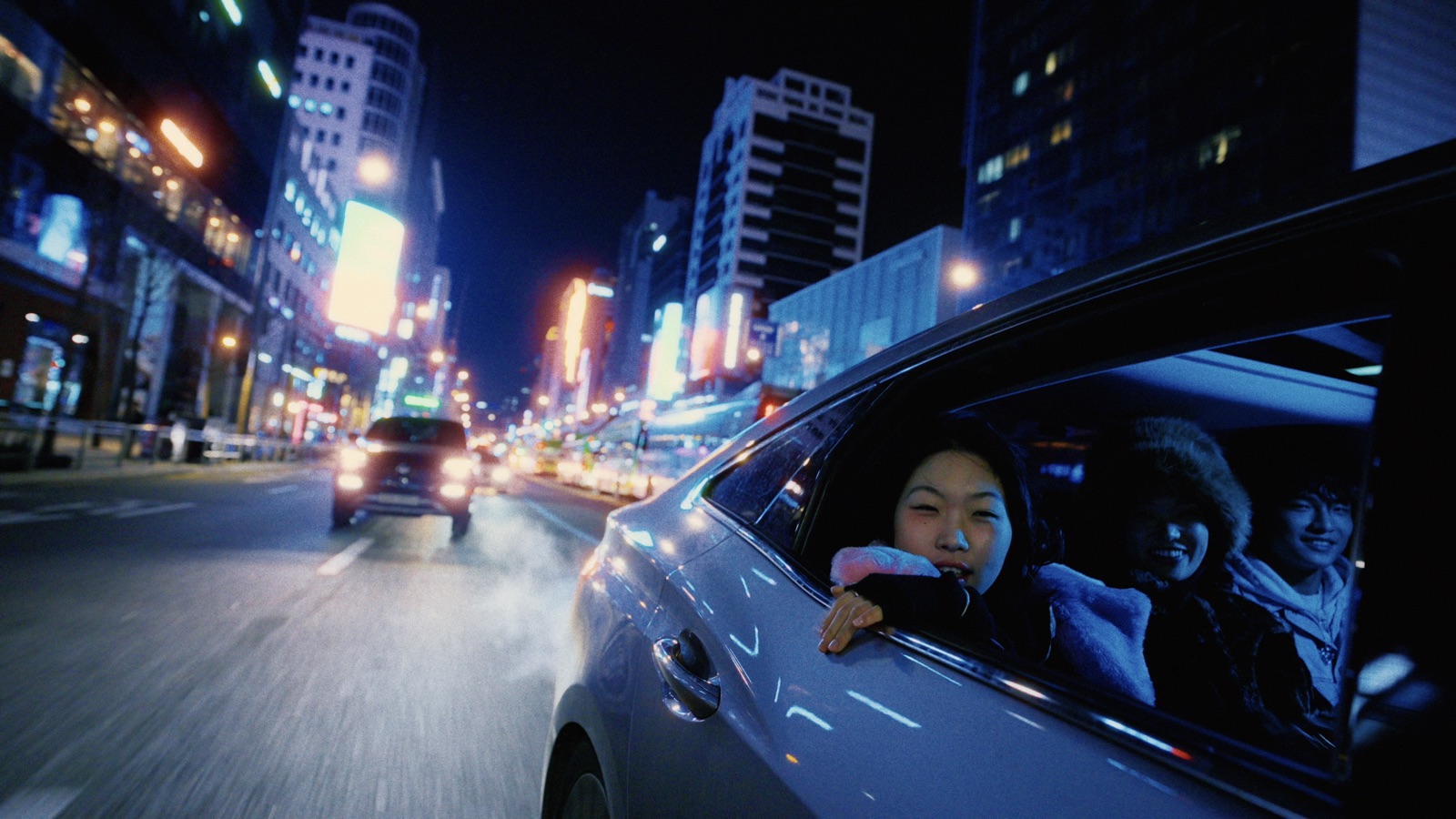
Halation
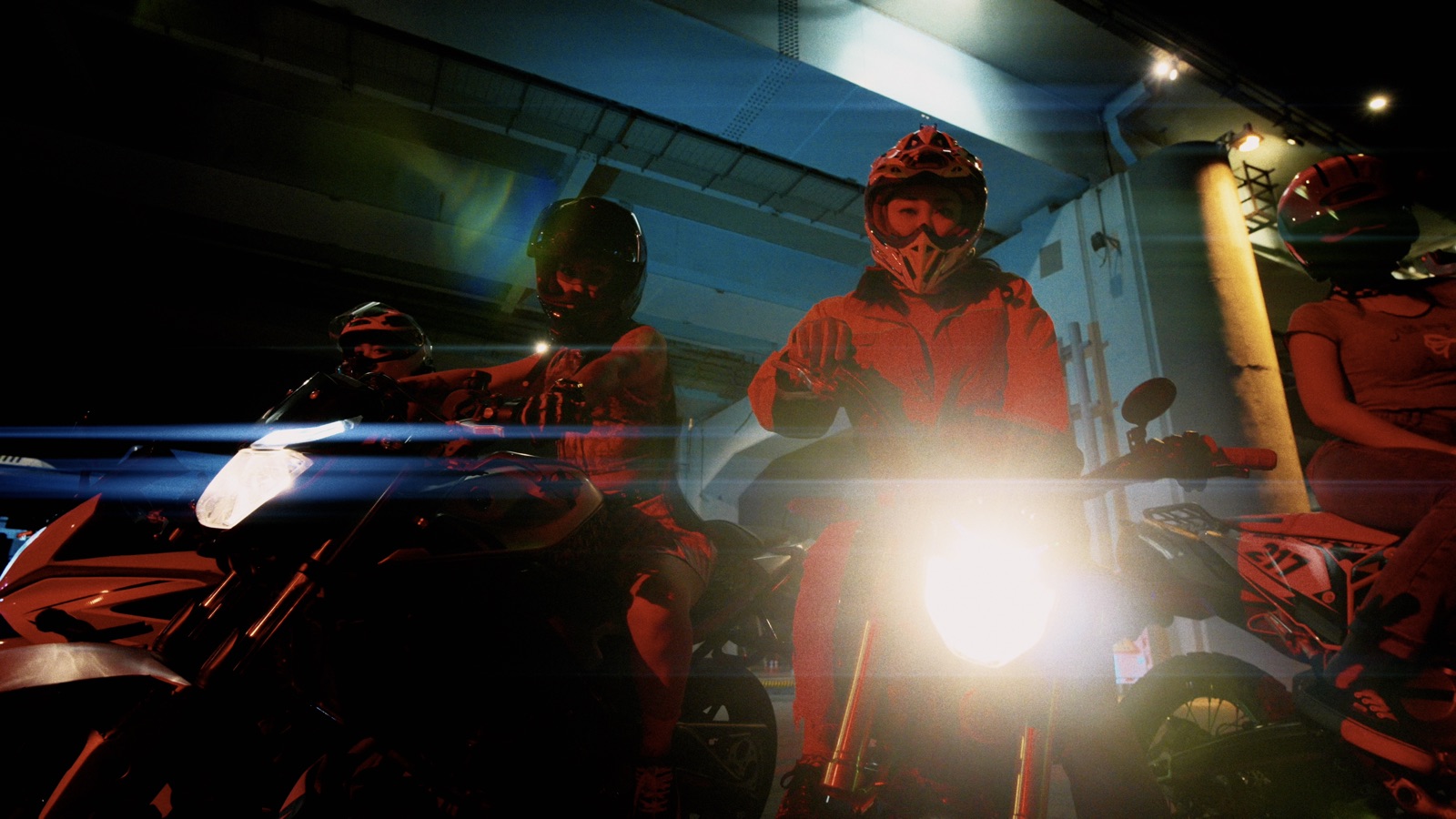
Flare
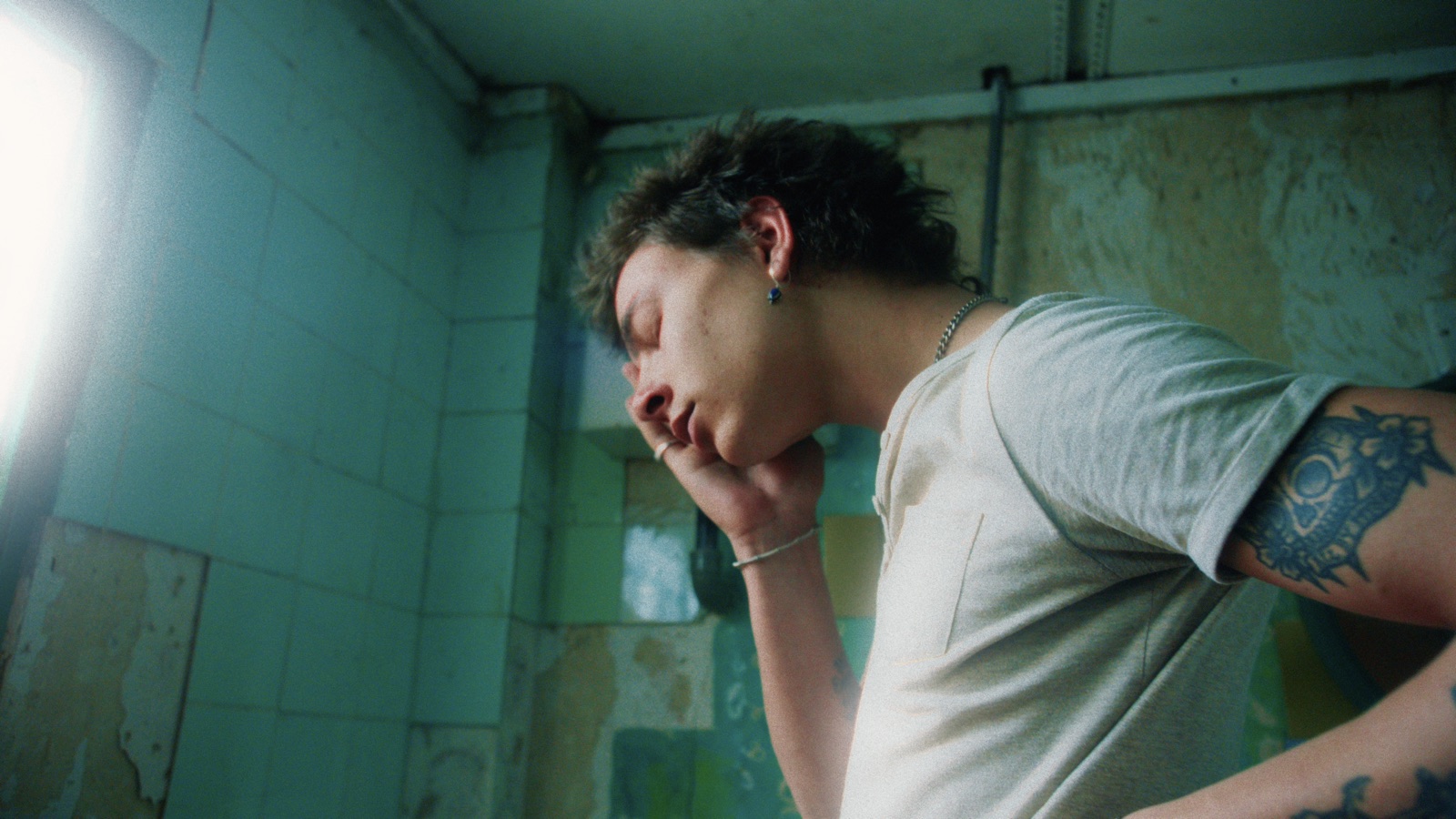
Bloom
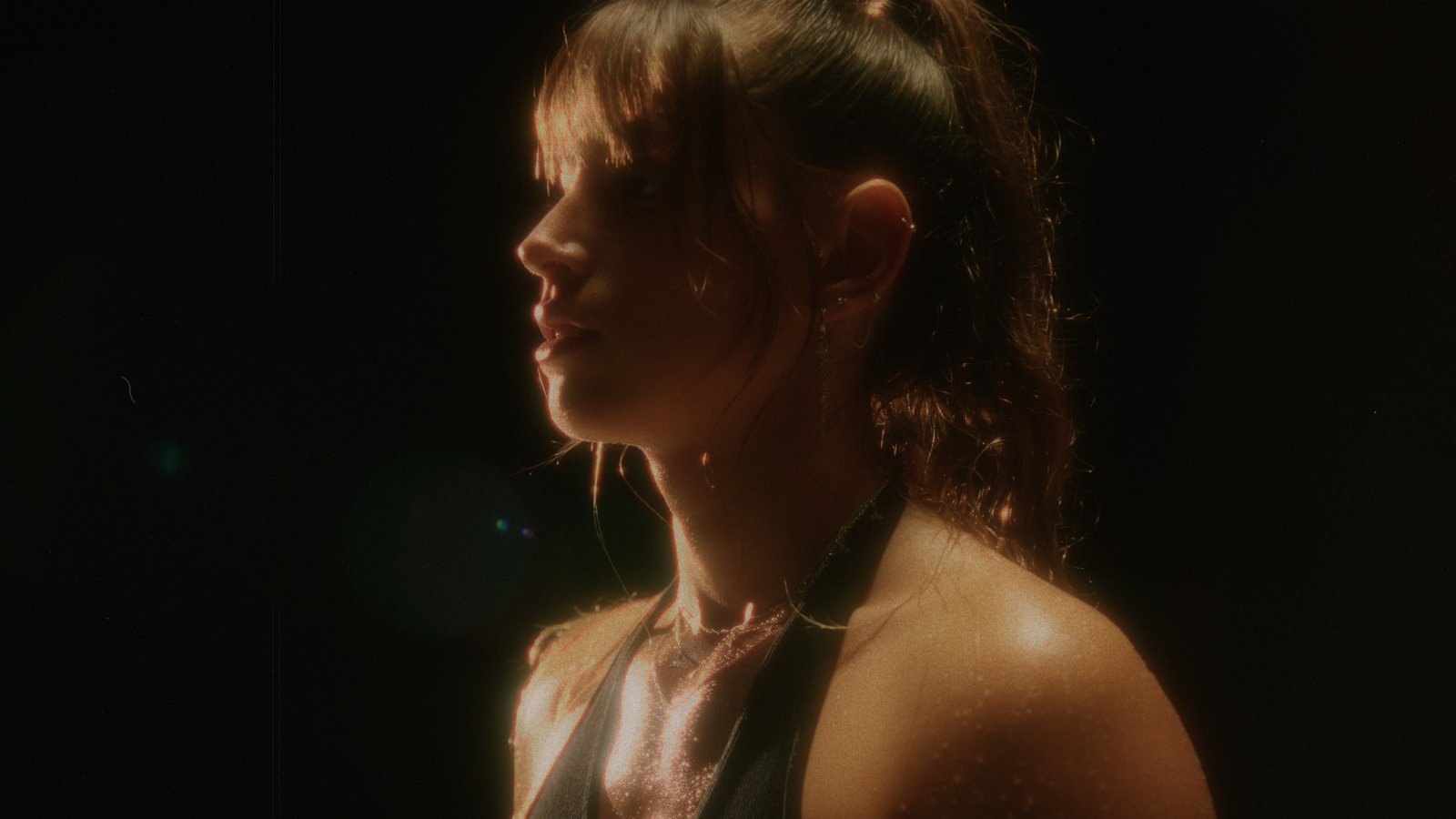
Mist
Light first. Film second. Print third.
The order you apply adjustments and effects in can make or break a color grade. In Film(ish) you don't have to think about it – everything is applied in the correct order and the correct color space.
Source
- RAW · HEIF · Video Frame
- Log → Scene Light
- Noise Reduction
- Erase
Light
- Lens Simulation
- Saturation · WB · Clarity
- Exposure
- Vignette
- Lift · Gamma · Gain
- Dehaze
- Masks
- Lens Blur · Motion Blur
Film
- Light Leak
- Film White Balance
- Inner Glow · Diffusion
- Halation · Flare
- Film Stock
- Bleach Bypass
- Dye Saturation
- Hue Twist · Roll-off
- Vibrance
- Couplers · Micro Contrast
Negative
- Grain
- Crop · Rotate · Perspective
- Print Curve
- Print Film
Print
- Color Wheels · LAB
- Split Tone · Selective Color
- Hue vs · HSL · Saturation
- Look · Blacks / Whites
- Highlight Detail
- Match · Duotone · Skin
- Input Levels
Finish
- Film Damage
- Frame
- Text
- Date Stamp
- Paper
- Export
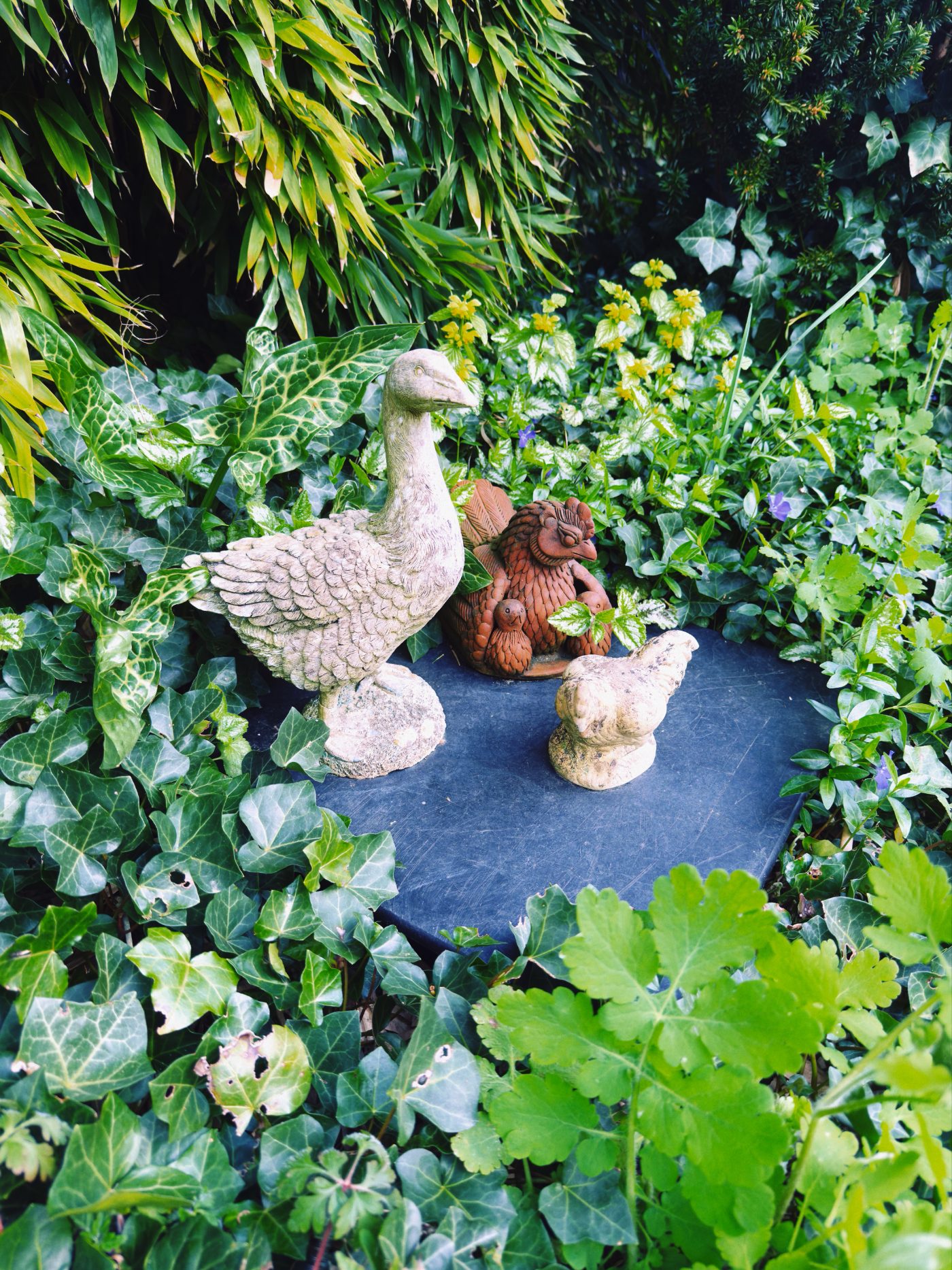
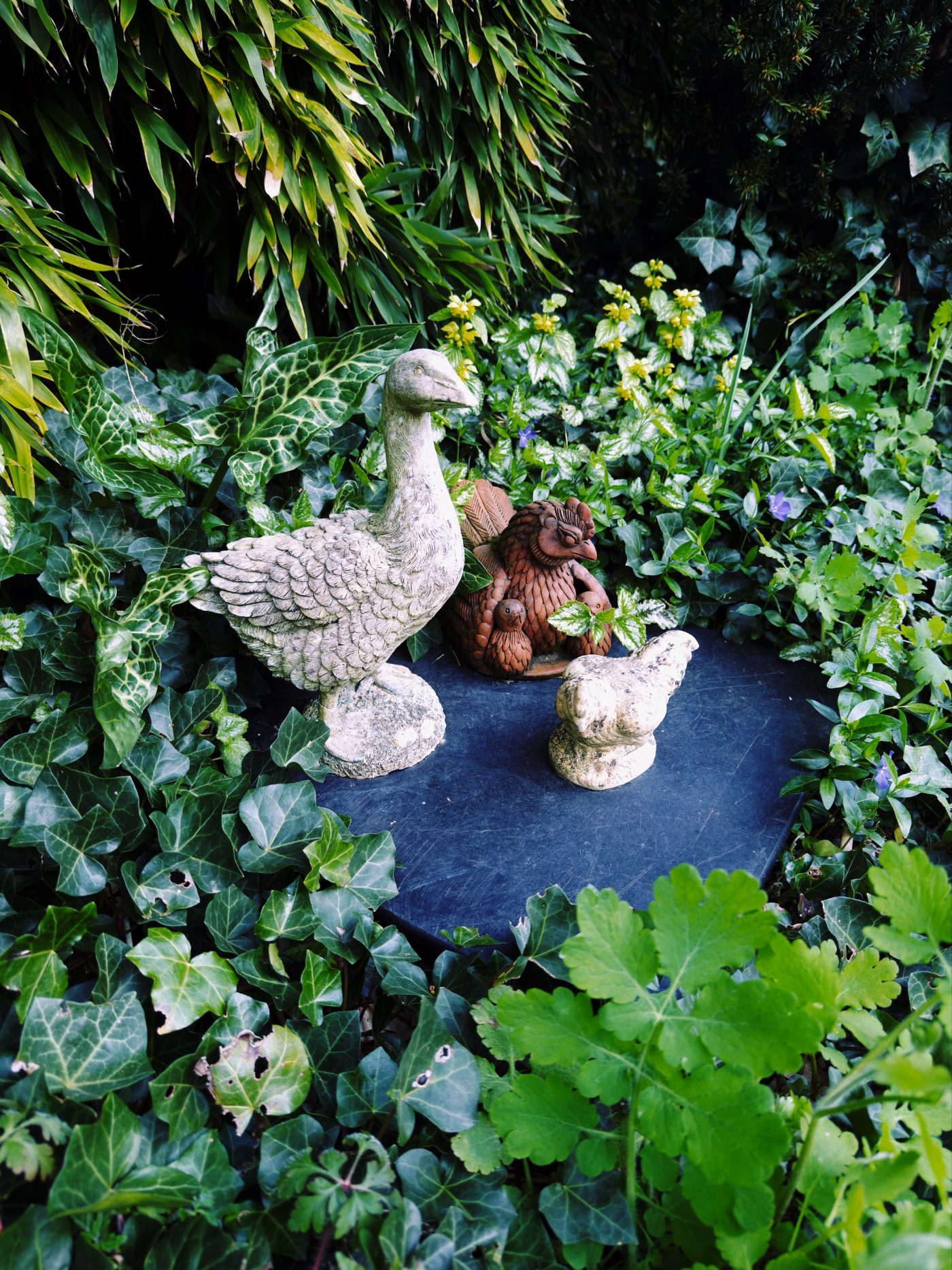
Your phone is over-processing photos. Film(ish) removes it in one tap.
If you shoot Apple ProRAW you can remove local tone mapping in a single tap.
Video editing and HDR support
Same color science, same film stocks – now in motion, and ready for HDR displays.

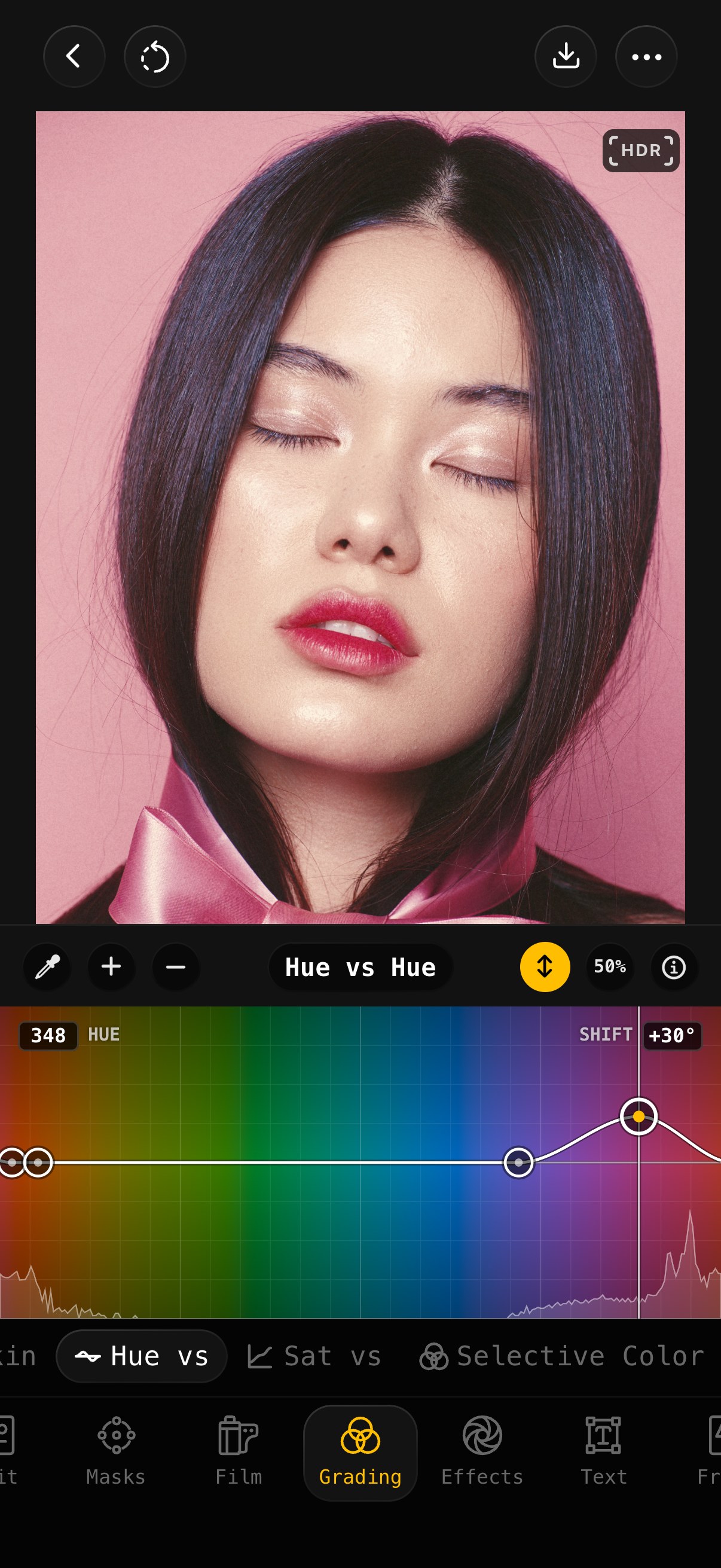
Color grading tools
Large toolset for professional color control
- Color wheels
- HSL + Density
- Levels
- Split tone
- Hue vs, Sat vs
- Selective color & more...
scopes – histogram, waveform, RGB parade, vectorscope
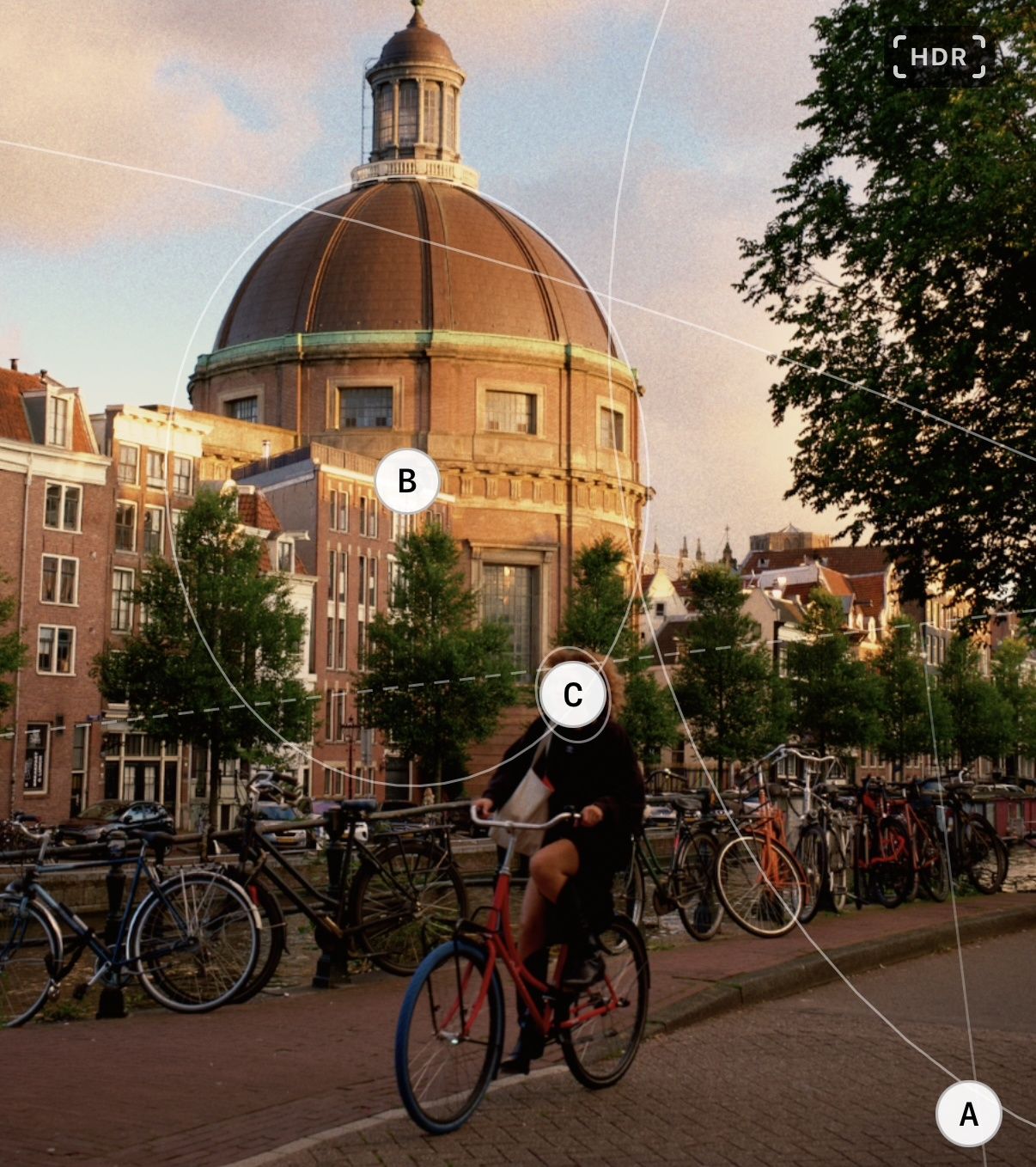
Fine tune every detail with masking
- Mask typesLinear, Radial, Brush, Luminance, Color, Depth, Subject, Background, Sky
- Composite masksadd, subtract, intersect
- Modifiersexpand, feather, invert
- On device ML maskingSky, subject, depth, background
Optimized workflow




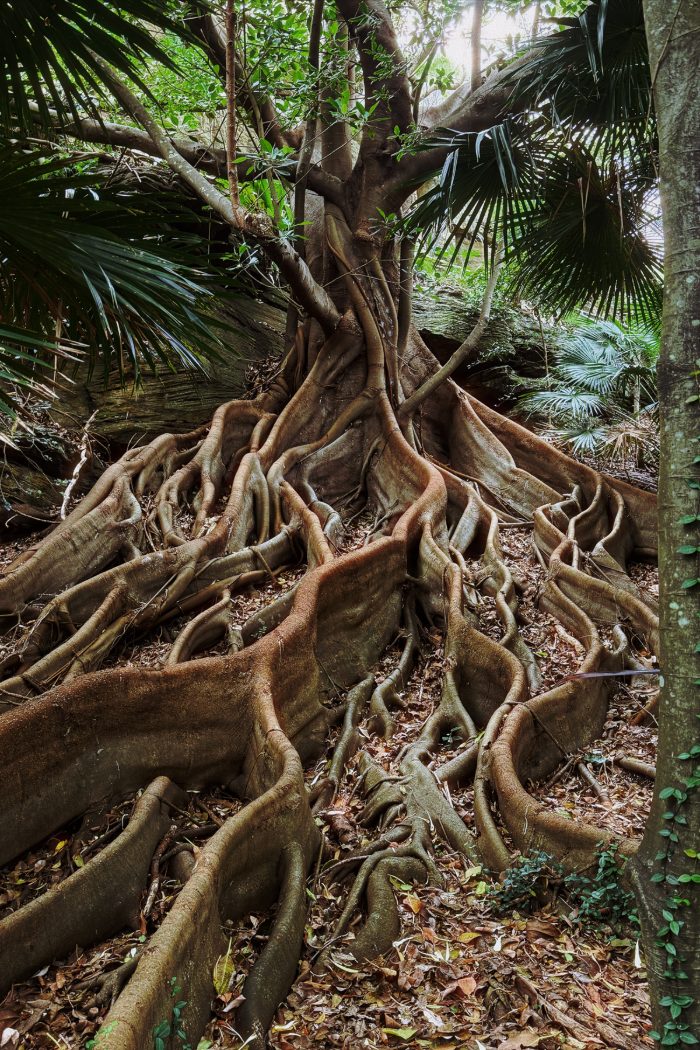
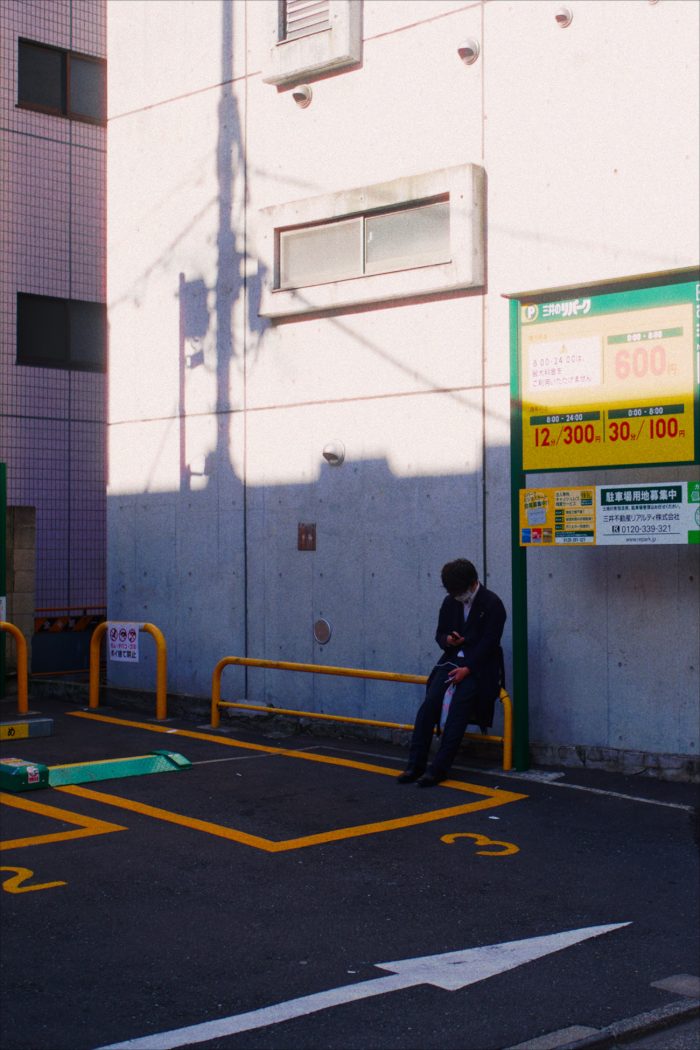

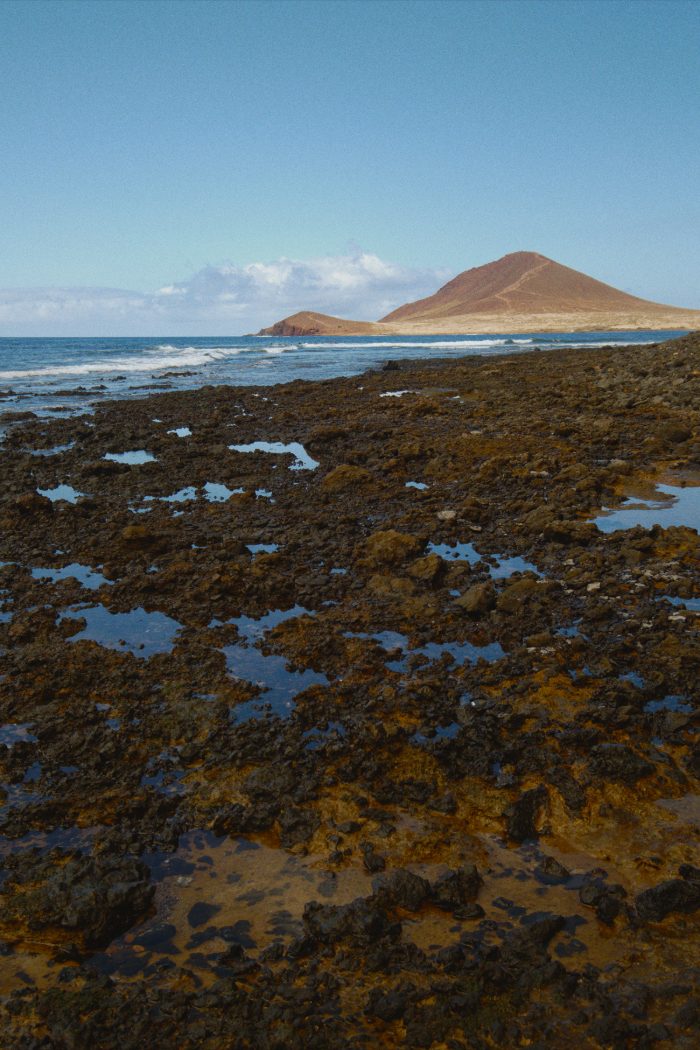
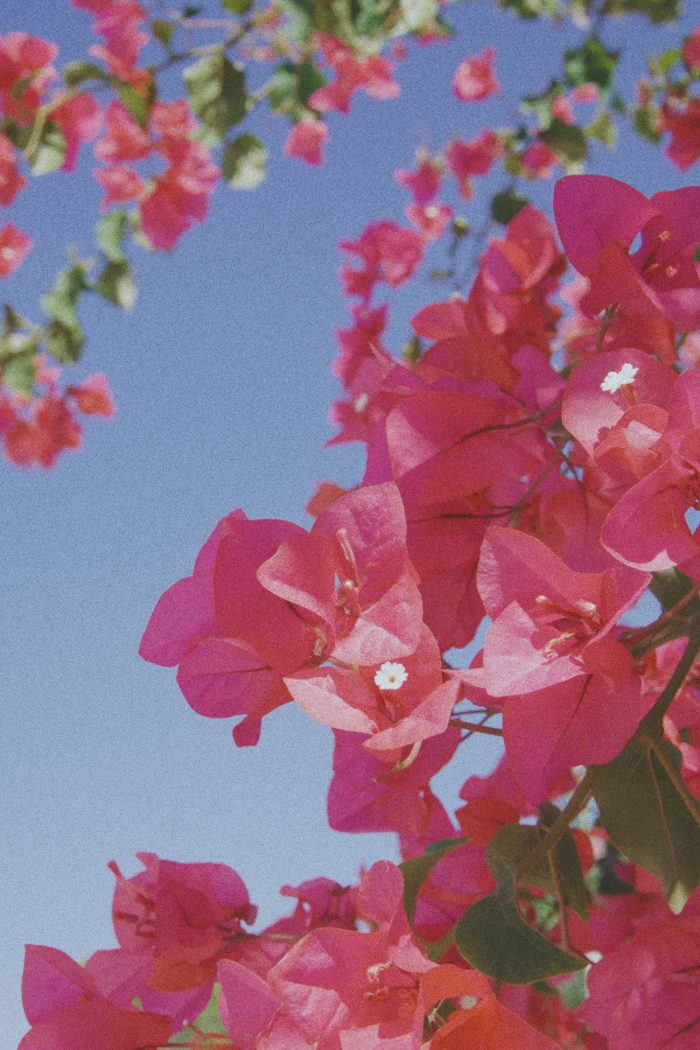



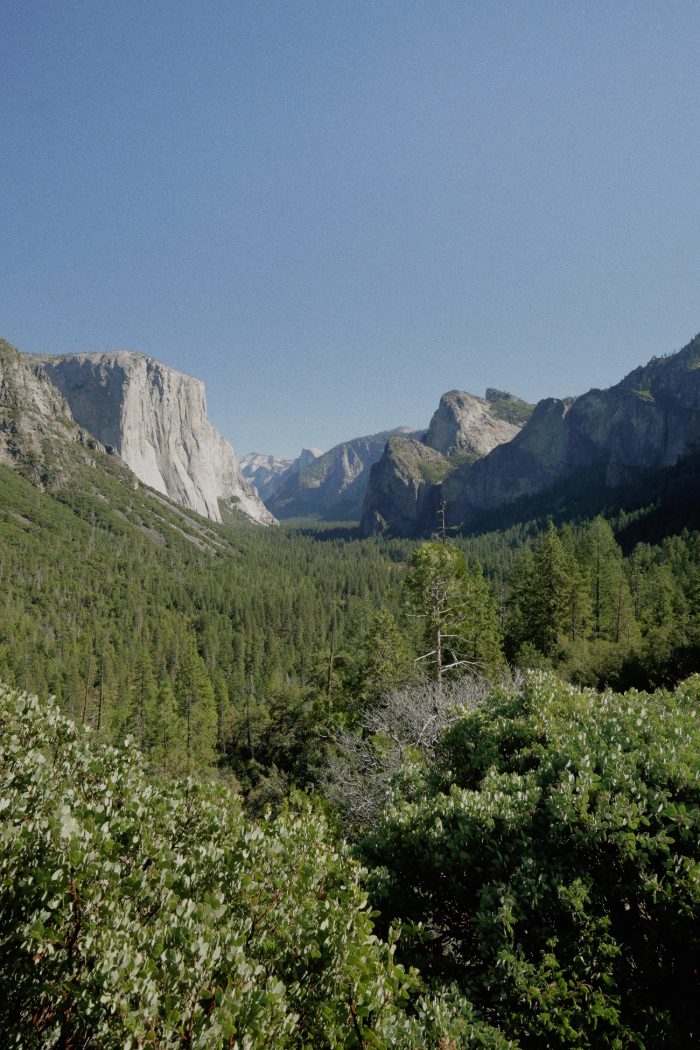
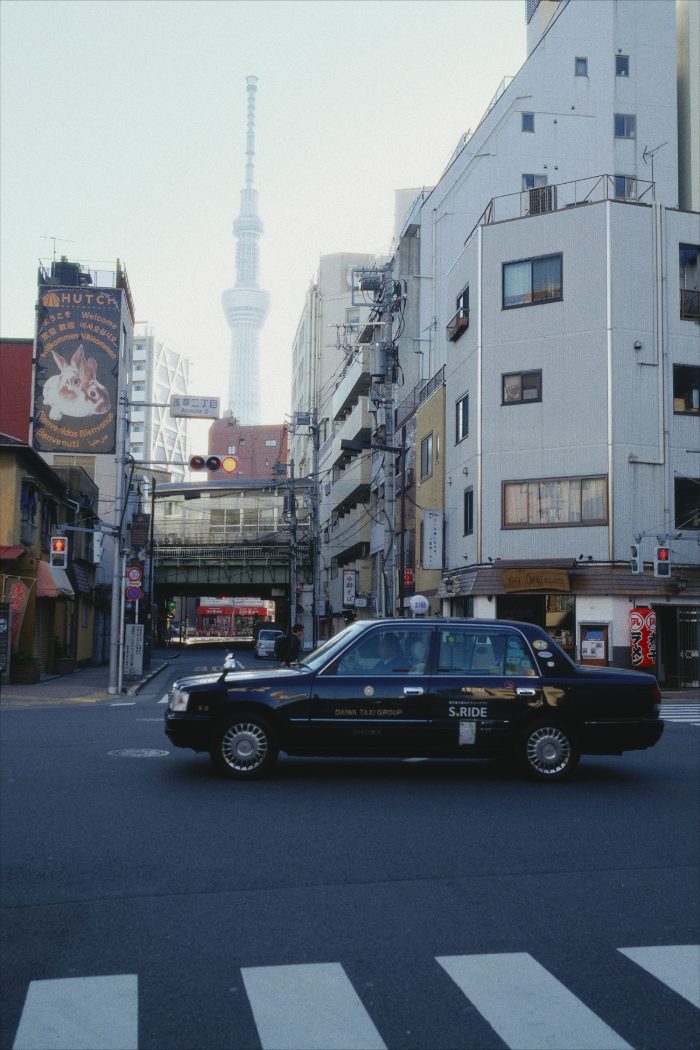
- Bulk editing and custom presets
- Preset sharing
- iCloud support for cross device editingedits, presets and settings sync through your own iCloud (beta)
Film(ish) iOS
Download on theApp Store| Free | Pro$19.99One time purchase · varies by region |
|---|---|
| Twelve film simulations | Every film simulation, every print film and paper |
| Every tool, on photos and on video, to use and to try | Exports that use a Pro tool |
| Photo export with the free films | Video export without the Film(ish) mark |
One-time purchase – pro on all your iOS devices and shared with your family through Family Sharing
Private by design
We collect no data – all edits are on device. Cross-device edits are in your private iCloud. No accounts, no tracking, no ads.