
Selective Color
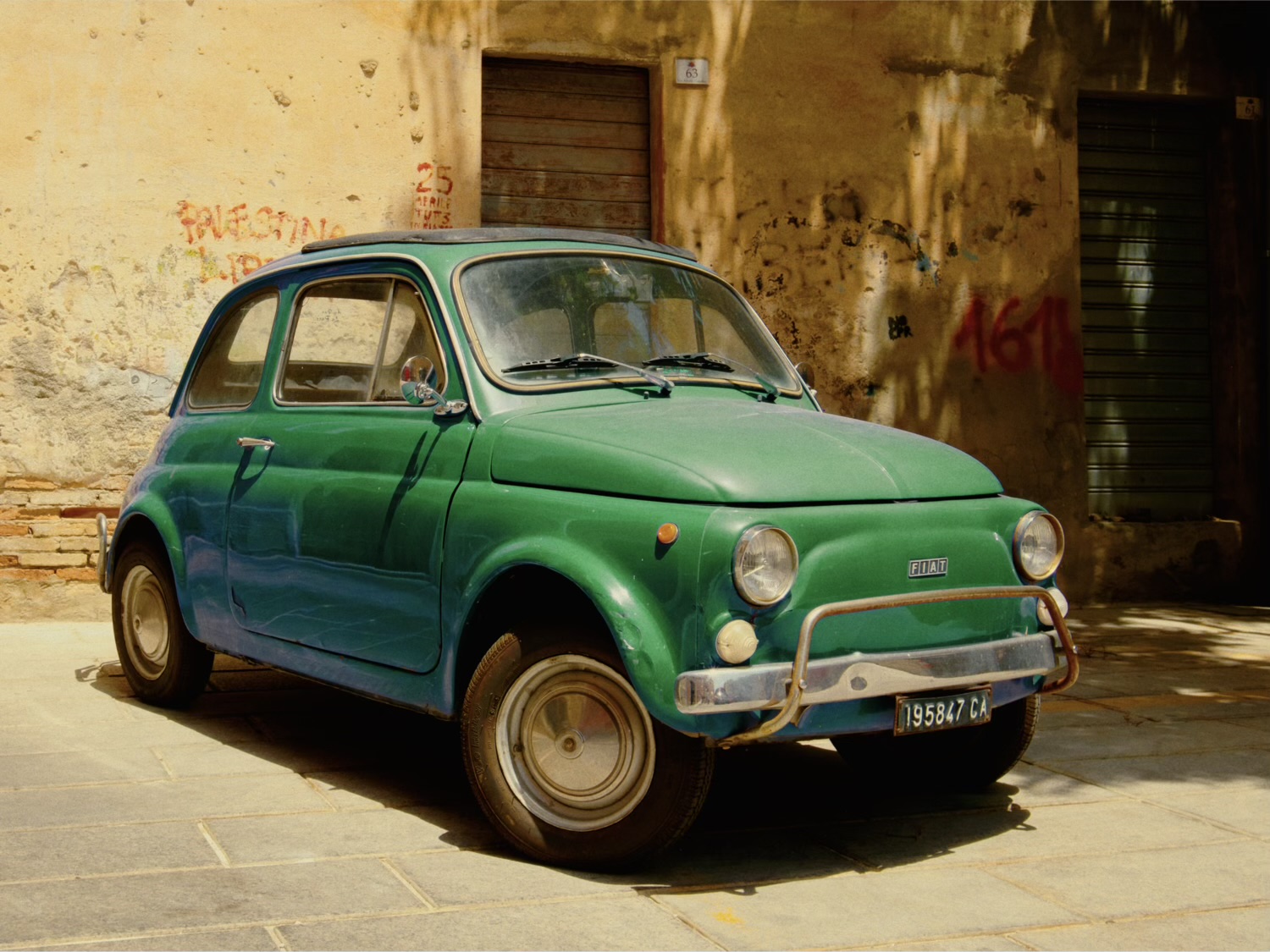
Pick one color and change only that.
First choose it. Hue sets the color you’re after, Range how many degrees either side still count, and Falloff how softly the selection ends. Lower Purity to pull in washed-out versions of it, like reflections on paint or a hazy sky. Luminosity Range limits it to a band of brightness, and Feather softens its edge on the photo if it speckles. Show Selection dims everything else, so you can tune the selection before you move anything.
Then change it. Hue Shift turns the color into another – the thumb shows where it’s going – and Saturation, Luminance and Density work as they do in HSL. Invert flips the selection so the change lands on everything except that color; with Saturation at −100, that’s one color in a black and white photo.
Off for black and white stocks.