
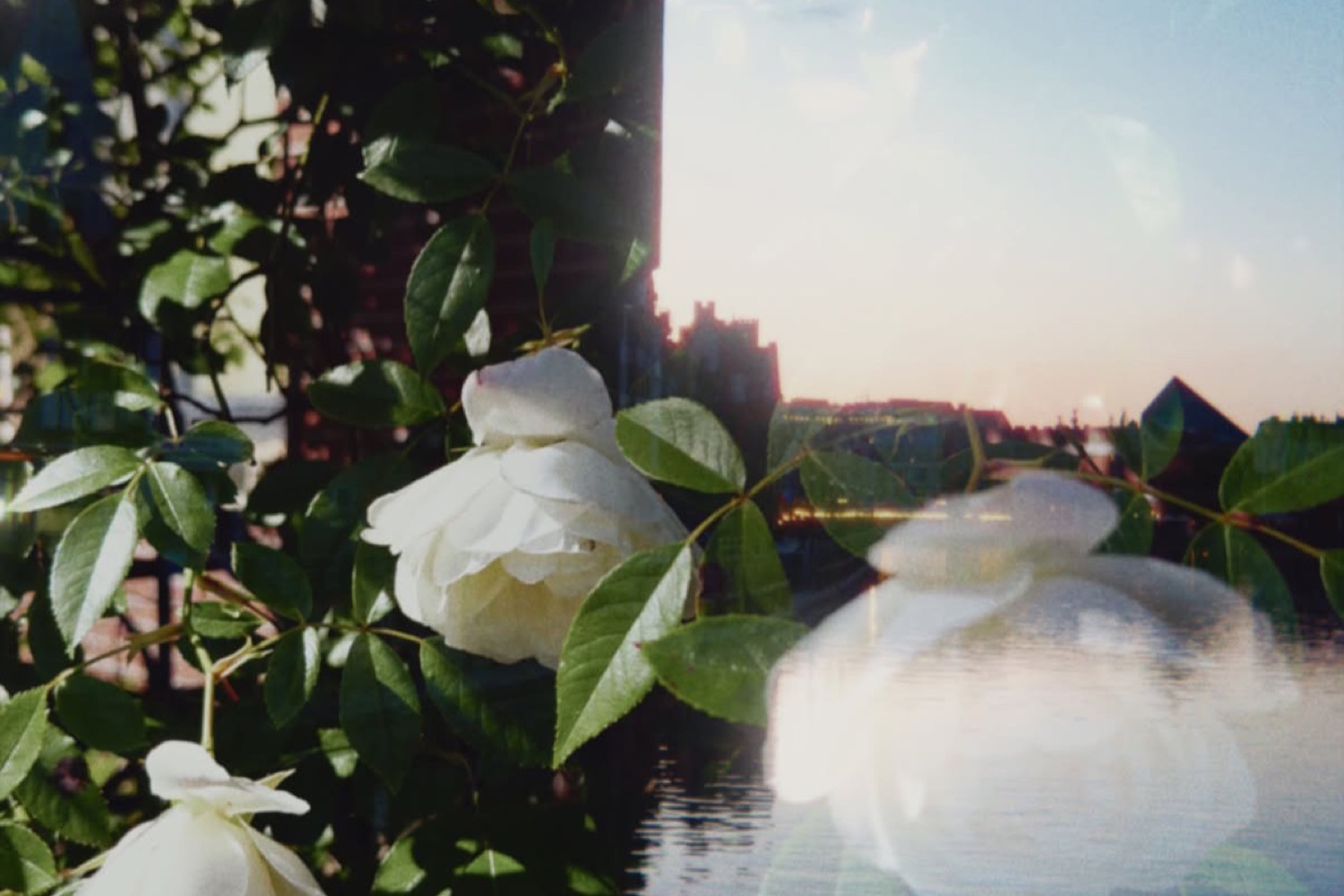
Double exposure
Layer a second photo over this one, the way a film camera does when you don’t wind on between shots. Your photo is Image A, the one you pick is Image B.
The two add together as light rather than blending at an opacity: bright areas come forward and dark areas give way. So you set the mix with exposure – darken an image to make it recede, brighten it to bring it forward. The menu picks which image the sliders edit, and the mirror buttons flip one to help them line up.
Photos with large dark areas pair best. Try a portrait against a dark sky, or a texture over a black background.
Done bakes the pair into one photo that every other tool then works on. Open Double Exposure again to re-edit the pair or start over.