
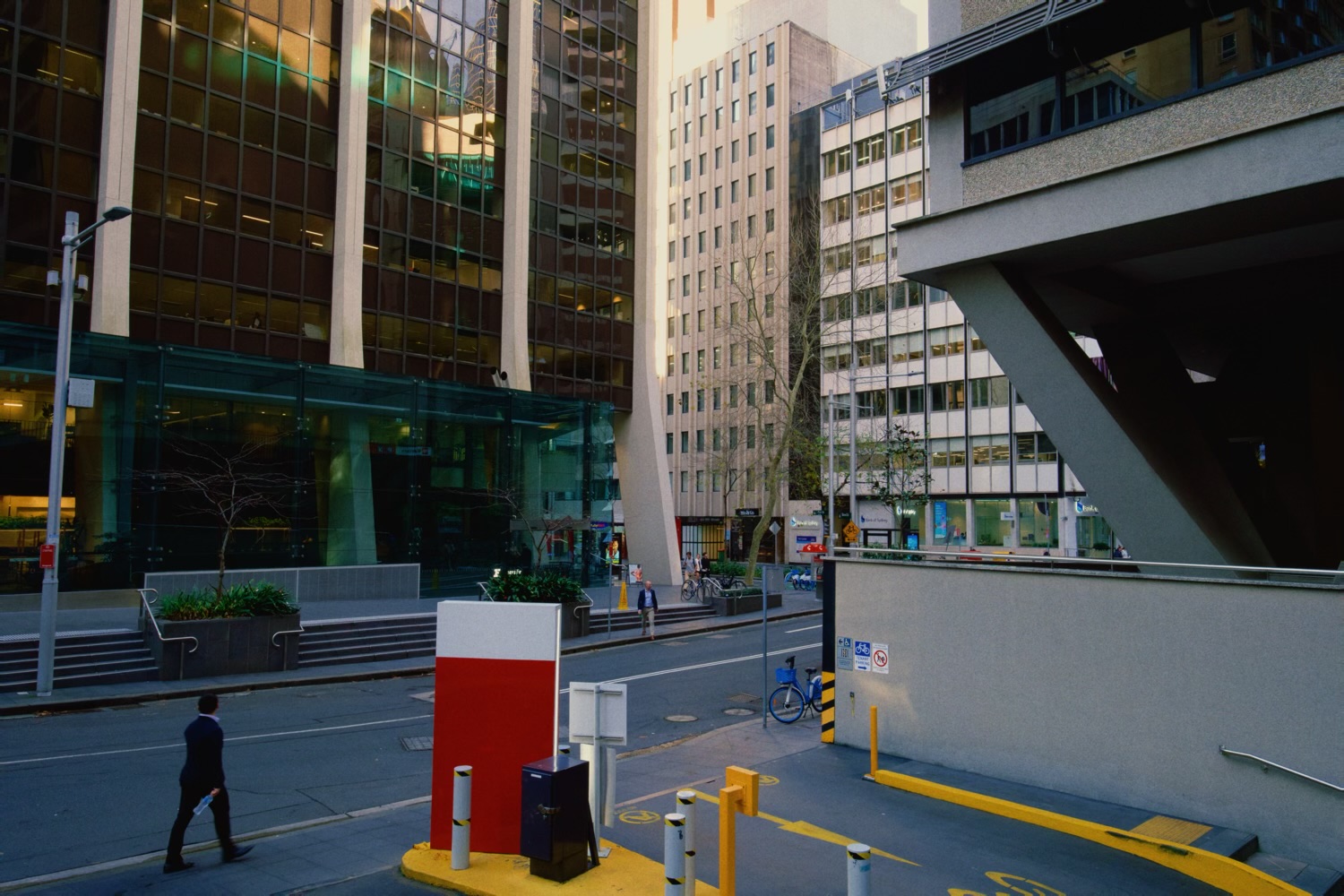
Split Tone
A separate tint for the highlights and for the shadows, with the tones in between left neutral. Darkroom printers did it by toning prints in a second chemical bath – selenium, sepia, gold.
Start from a preset or build your own. The presets come from real toners, plus the cinema teal and orange, and each pill shows its pair, dark end and light end. Strength fades the whole thing back toward the untoned photo. Balance moves the crossover: push it up and the shadow tint reaches into the midtones, pull it down and the highlight tint does.
A warm highlight tint can soften skies and skin that have gone white. The same hue on both ends tones the whole photo toward one color, and on black and white stocks a touch of warm highlights gives the classic printed look.
Advanced
The two tints themselves. Shadow Hue and Shadow Amount set the color and depth of the dark end, Highlight Hue and Highlight Amount the light end; the thumb shows each color.
The presets set all four at once. Change one and the preset lets go.